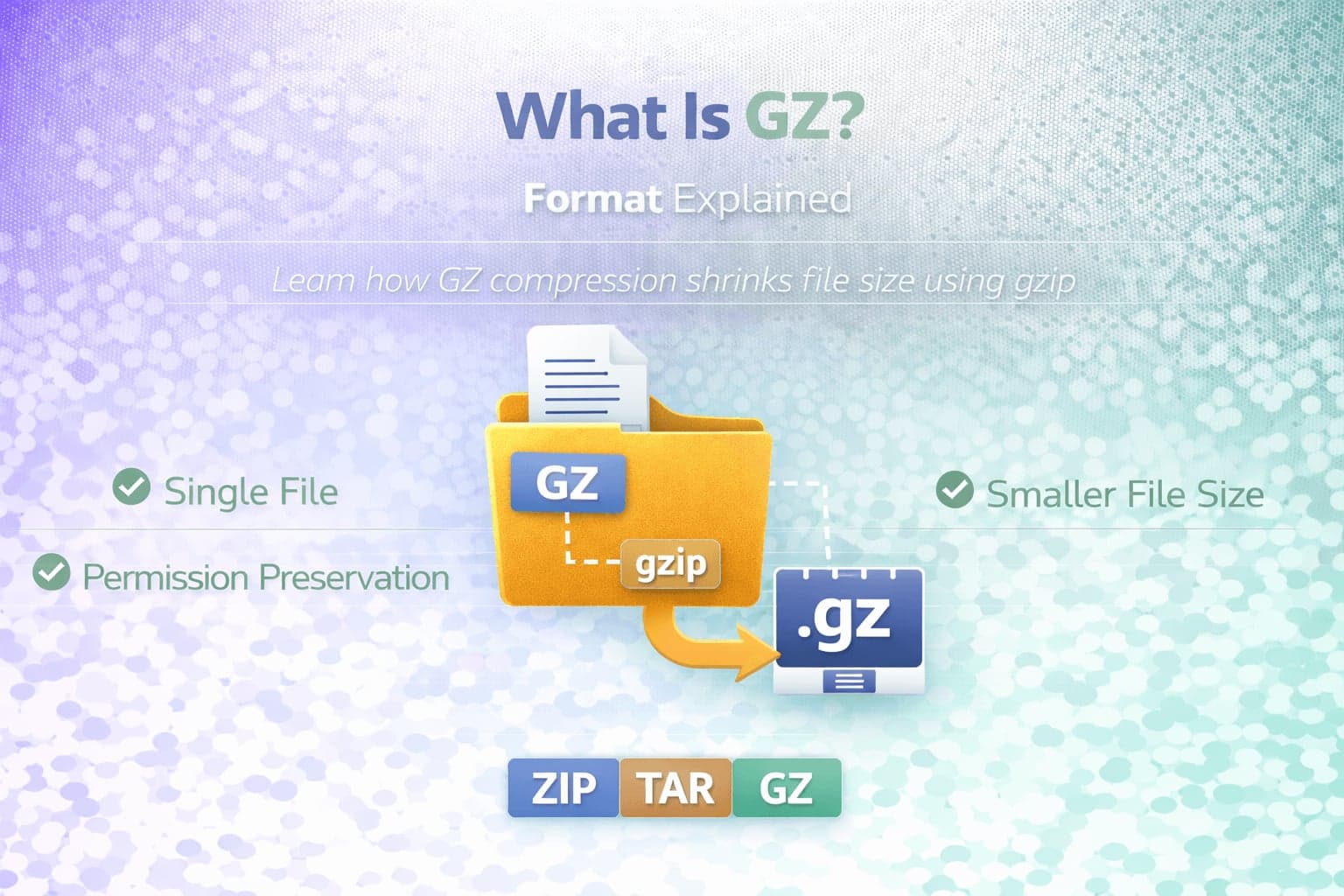
GZ is a compression file format commonly used in Unix and Linux environments to reduce file size. Unlike ZIP or TAR, GZ is not designed to bundle multiple files together. Instead, it compresses a single file using the GNU zip compression algorithm, often referred to as gzip.
The .gz file extension indicates that a file has been compressed using gzip. Because GZ focuses strictly on compression rather than archiving, it is frequently used in combination with other archive formats such as TAR.
Understanding what GZ is and how it differs from ZIP and TAR helps clarify when it should be used and why it remains common in server environments and software distribution.
What Does GZ Do?
GZ compresses data to reduce file size. It applies a compression algorithm that identifies repeated patterns within a file and encodes them more efficiently.
When a file is compressed into .gz format, the resulting file contains only one compressed data stream. It does not include multiple separate files unless they were first combined using another format such as TAR.
This means that if you compress a file named example.txt using gzip, you typically get example.txt.gz.
GZ and TAR
GZ is most commonly seen in combination with TAR, resulting in files that use the .tar.gz extension. In this combination, TAR first bundles multiple files and directories into a single archive. Then GZ compresses that archive to reduce its size.
This separation of responsibilities provides flexibility. TAR manages file structure and metadata. GZ manages compression efficiency.
If required, you can use our free tools to convert TAR to GZ or GZ to ZIP.
GZ vs ZIP
GZ and ZIP both perform compression, but they differ in design and functionality.
ZIP combines archiving and compression into a single format. It can contain multiple files within one archive while compressing each file individually.
GZ compresses a single data stream and does not function as a multi-file archive format by itself.
ZIP is commonly used in Windows environments for sharing multiple files. GZ is frequently used in Unix-based systems for compressing individual files or TAR archives. If necessary, you can use our free ZIP to GZ converter.
How GZ Compression Works
GZ uses the DEFLATE compression algorithm, which combines LZ77 compression and Huffman coding.
This algorithm reduces redundancy in data and encodes repeating sequences efficiently. The compression ratio depends on the type of file being compressed. Text files, logs, and source code typically compress well. Already compressed formats such as JPEG images or MP4 videos may not shrink significantly.
Because GZ processes data as a continuous stream, it is well suited for command-line workflows and server-side automation.
Advantages of GZ
GZ offers strong compression efficiency for text-based files.
It is widely supported in Linux and Unix environments and is often included in default system utilities.
GZ is efficient for compressing log files, backups, and software packages.
When paired with TAR, it provides both archiving and compression functionality.
Limitations of GZ
GZ does not bundle multiple files on its own. If multiple files need to be compressed together, they must first be archived using TAR.
On Windows systems, extracting .gz files may require additional tools, although modern environments increasingly support it.
Because GZ compresses the entire data stream as one unit, partial extraction of individual files is not possible without decompressing the archive.
When Should You Use GZ?
GZ is ideal for compressing individual files in Linux and Unix environments.
It is commonly used for server logs, backups, and distribution of source code.
When working with multiple files that require compression, combining TAR and GZ into a .tar.gz file is a common and efficient solution.
When Should You Convert GZ?
Conversion may be necessary when sharing files across different operating systems or when a specific archive format is required by a tool or workflow.
For example, converting GZ to ZIP can improve compatibility with Windows-based systems. Converting TAR to GZ applies compression to an uncompressed archive.
Conclusion
GZ is a compression format designed to reduce file size using the gzip algorithm. It does not function as a multi-file archive format on its own but is commonly paired with TAR to create compressed archive files such as .tar.gz.
Because of its efficiency and integration into Unix-based systems, GZ remains a standard compression method for server environments and software distribution.
Understanding how GZ works and how it differs from ZIP and TAR ensures proper format selection for compression and archiving workflows.