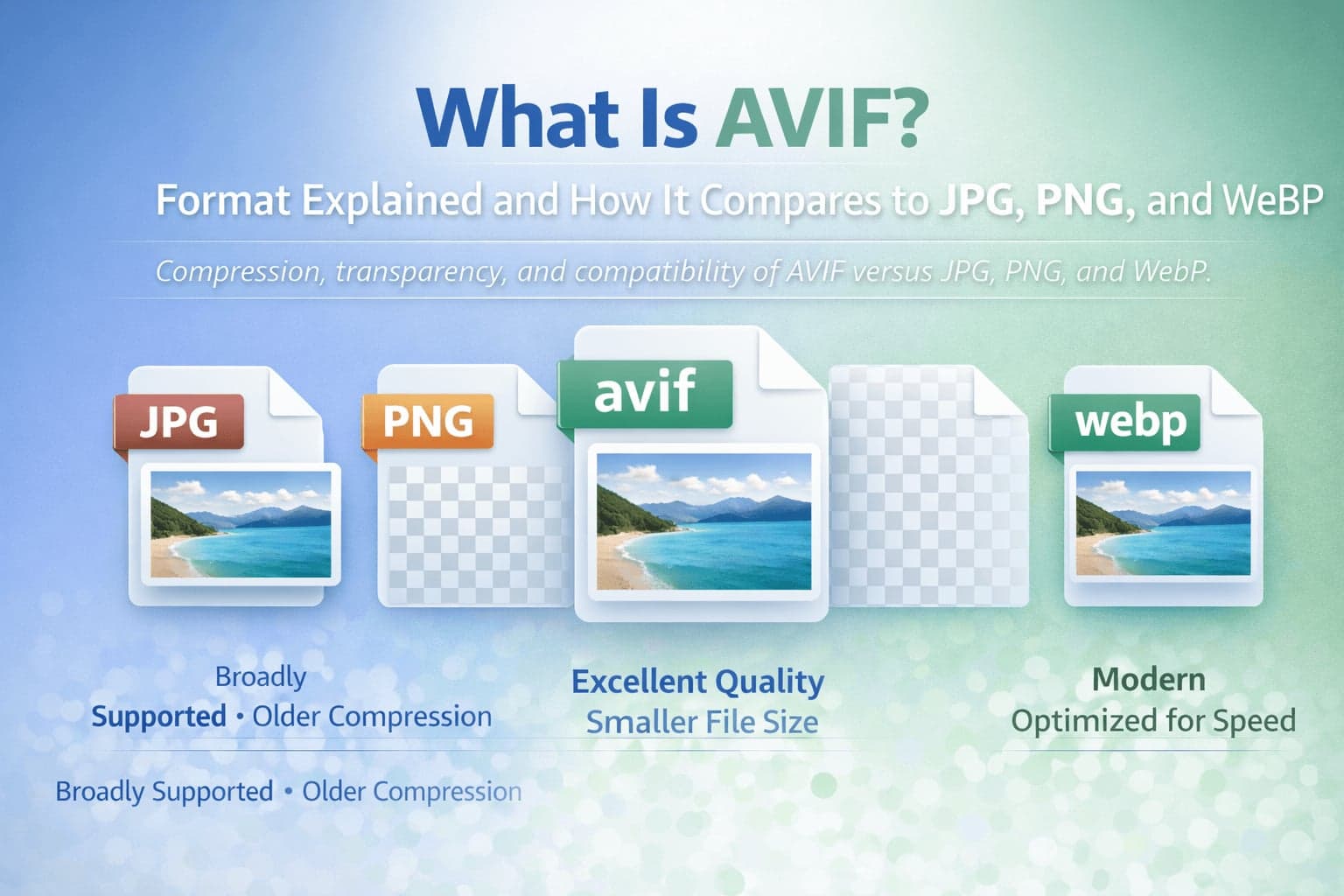
AVIF is one of the newest mainstream image formats, and it has quickly become part of the conversation around website performance, image quality, and modern publishing standards. If you've seen an image with an .avif extension and wondered why it exists when we already have JPG, PNG, and WebP, you are not alone. AVIF is not a replacement for every situation, but it offers meaningful advantages for certain types of images, especially when you care about quality at smaller file sizes.
For a site like FlipMyFiles, AVIF matters because it reflects where the web is moving. Platforms and browsers increasingly prioritize fast-loading, efficient media. That shift has made "next-gen" formats like WebP and AVIF far more common in everyday workflows. The more you understand AVIF, the easier it becomes to choose the right format, avoid compatibility problems, and convert confidently when needed.
This guide explains what AVIF is, how it works, why it is often smaller than older formats, and how it compares to JPG, PNG, and WebP in real-world use.
What Is AVIF?
AVIF stands for AV1 Image File Format. It is an image container built on the same family of compression technology as the AV1 video codec. The key idea behind AVIF is that video compression techniques are extremely efficient, and many of those benefits translate well to still images.
AVIF can store images using both lossy and lossless compression, and it also supports advanced features that matter for modern displays. These include high color depth, wide color gamuts, and the ability to preserve fine detail without producing the common artifacts you sometimes see in heavily compressed JPG files.
In practical terms, AVIF aims to deliver high visual quality while keeping file sizes small. That makes it attractive for websites, apps, and platforms that deliver a lot of images to users.
Why AVIF Was Created
The web has a speed problem. As websites became more visually rich, page sizes grew. Images often account for most of that weight. Compression helps, but older standards like JPG are limited by design decisions that made sense decades ago but are not optimal today.
WebP improved on JPG in many cases, but developers and platforms continued searching for formats that could deliver even better efficiency and better quality retention at aggressive compression levels. AVIF is part of that evolution.
It was built to take advantage of modern compression research and to support richer color and detail. For many images, especially photographs, AVIF can achieve a similar or better visual result than JPG at a smaller file size.
How AVIF Compression Works
AVIF is based on the AV1 codec, which is known for its compression efficiency in video. For images, that efficiency comes from the codec's ability to model patterns, textures, and edges in a way that preserves detail with fewer bits.
AVIF can be used in lossy mode to reduce file size substantially while maintaining strong visual quality. It can also be used in lossless mode, which preserves image data without permanent loss.
One reason AVIF is often praised is how it handles difficult compression scenarios. When you reduce the size of a JPG too much, you frequently see blocky artifacts and color banding. AVIF tends to handle those situations more gracefully, though results still depend on the source image and encoder settings.
There are tradeoffs. AVIF encoding can be computationally heavier than older formats, meaning it can take longer to generate. For end users viewing images, decoding performance is generally fine in modern browsers, but the workflow of creating AVIF images can be slower compared to JPG or PNG. This is typically a behind-the-scenes concern for websites and platforms rather than a problem for everyday users.
AVIF vs JPG
JPG remains one of the most widely used image formats because it is universally supported and efficient for photographs. It has a long history and is integrated into virtually every device and software tool.
However, JPG uses older compression techniques and has limitations. At higher compression, JPG often produces visible artifacts, particularly around sharp edges, text overlays, or subtle gradients like skies and shadows.
AVIF typically achieves similar quality at a smaller file size, especially for photographic content. It also supports higher color depth, which can reduce banding in gradients and improve the look on modern displays.
The biggest practical difference for many users is compatibility. JPG is still the safest format when you need to guarantee that every platform, app, or recipient can open the file. AVIF support is improving rapidly, but it is not as universally supported as JPG in older apps and systems.
If you receive an AVIF image and need maximum compatibility, AVIF to JPG is often the simplest solution. If your goal is to optimize an existing JPG for web performance, JPG to AVIF can help in many cases.
AVIF vs PNG
PNG is widely used for lossless images, transparency, and crisp graphics. It is the classic choice for logos, UI elements, screenshots, and designs that require clean edges.
AVIF can also support lossless compression and transparency, which makes it a potential alternative to PNG for certain web use cases. In many scenarios, AVIF can be smaller than PNG while maintaining visual fidelity.
However, PNG remains deeply embedded in design workflows. It is easy to edit and export, and it is supported everywhere. AVIF support in design tools is improving, but it may not be as seamless as PNG in all environments.
A common practical workflow is to keep PNG for editing and production work, and use AVIF (or WebP) for delivery on the web when performance is the priority. If you need to convert between them, FlipMyFiles supports both AVIF to PNG and PNG to AVIF.
AVIF vs WebP
WebP and AVIF are both modern formats designed for web performance. WebP is widely supported in modern browsers and is already common across many websites.
AVIF often delivers better compression efficiency than WebP, especially at lower file sizes where you want to preserve quality. AVIF also has strong support for high color depth and advanced features.
At the same time, WebP may be faster to encode in many workflows and is already integrated into many web optimization pipelines. For some sites, WebP provides an excellent balance of quality, file size, and ease of adoption.
In practice, many modern websites use multiple formats depending on what is best supported for the user's browser. A site may serve AVIF when supported, WebP as a fallback, and JPG or PNG as a last fallback for compatibility.
For individuals working with files, the choice is more about what your tools and platforms support. If you need broad compatibility, WebP can sometimes be easier than AVIF, but both may require conversion depending on where the image will be used.
Transparency and Color Support in AVIF
AVIF supports transparency, which makes it useful for certain design applications. However, the most notable benefit for many users is its color handling.
Modern displays can show richer color and smoother gradients than older screens, and AVIF is built to store images with higher bit depth. This can reduce banding and improve the look of images with subtle shading. While not every workflow requires this, it becomes more relevant for high-quality photography, professional content, and visual design that must look smooth across devices.
When Should You Use AVIF?
AVIF is most useful when you are optimizing images for the web and want smaller file sizes without losing quality. It is especially strong for photographic images where you want to reduce bandwidth and improve loading speed.
If you run a blog, an online store, a landing page campaign, or any site where performance matters, AVIF can be a valuable part of your image optimization toolkit.
However, if you are sending images in a professional setting where you cannot control the software used by the recipient, JPG and PNG remain more predictable.
If you are working in design software that does not handle AVIF well, it is often easier to keep your working files in PNG or JPG and export AVIF for web delivery.
When Should You Avoid AVIF?
The main reason to avoid AVIF is compatibility. Some older apps, systems, and workflows still do not support it cleanly. You may also want to avoid AVIF if your workflow needs fast encoding at scale and your current tools struggle with AVIF processing.
Another practical consideration is that file size benefits depend on the image. While AVIF often wins, not every image compresses equally. Some images may show only minor improvements compared to WebP or high-quality JPG.
The right approach is to treat AVIF as a modern option rather than a universal default.
Converting AVIF Files With FlipMyFiles
Most AVIF conversions fall into two categories: converting AVIF to a more compatible format, or converting older formats into AVIF for performance optimization.
If you receive an AVIF file and need to edit or share it in a universally supported format, AVIF to JPG is the common solution while AVIF to PNG is useful when transparency or lossless output matters.
If you want to optimize an image for web speed, JPG to AVIF is typically the most common option, and PNG to AVIF can be useful for certain design assets where you want to reduce file size while keeping transparency.
Conclusion: AVIF as a Modern Web Format
AVIF is a modern image format built for the performance demands of today's internet. It can produce smaller files while maintaining impressive quality, and it supports advanced features that make images look better on modern displays.
At the same time, format choice is never only about quality. Compatibility, workflow, and platform support still matter. JPG and PNG remain essential because they work everywhere, and WebP remains a widely adopted modern alternative.
The best strategy is to understand what each format does well, then choose or convert accordingly. With the right approach, AVIF becomes a powerful option in your toolkit rather than a confusing new extension.