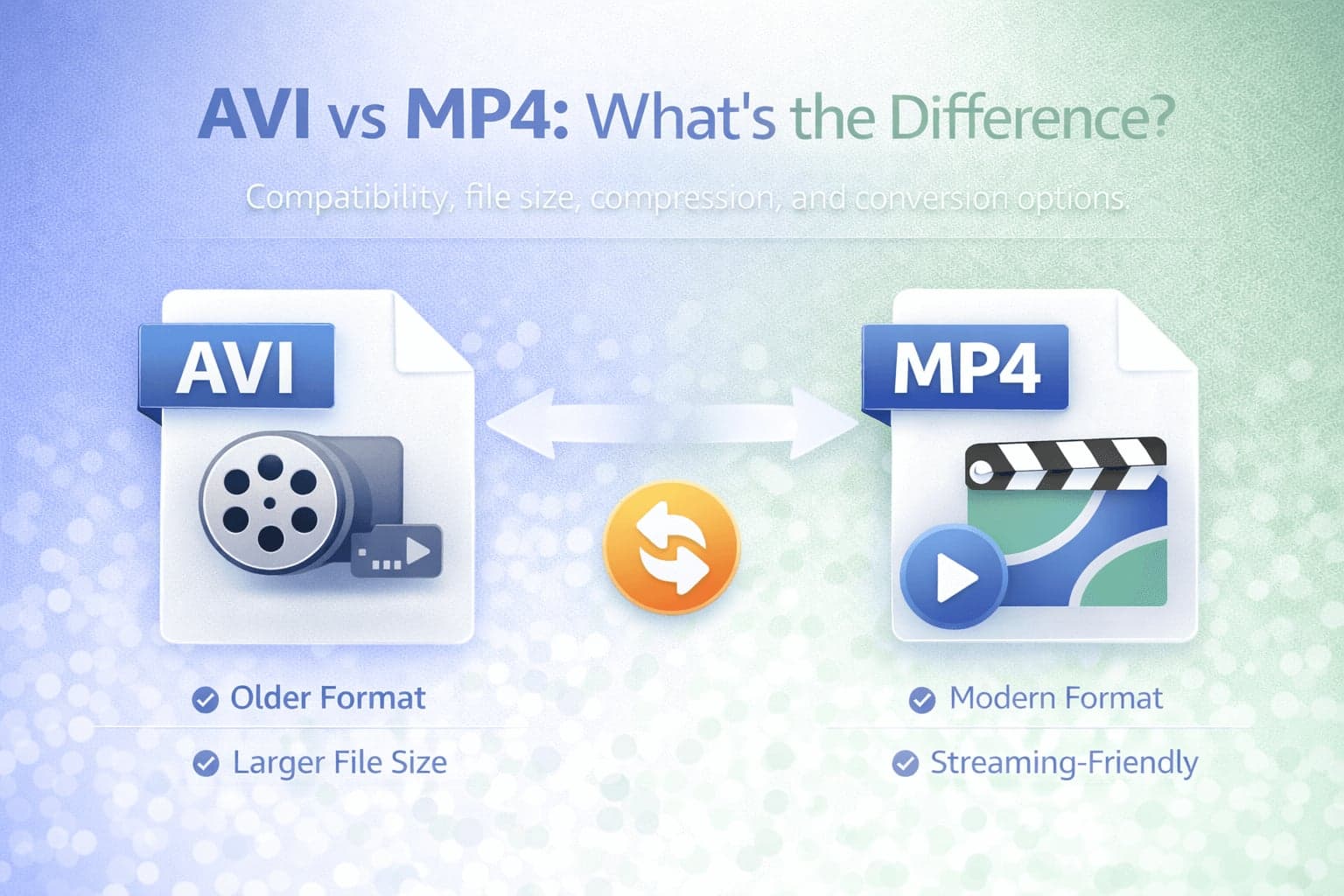
When working with video files, two formats that frequently appear are AVI and MP4. At first glance, both are simply video files that play media content. However, they differ significantly in structure, compression efficiency, compatibility, and practical use cases.
Understanding the difference between AVI and MP4 helps clarify why one format may produce larger files, why some videos play more easily on certain devices, and why conversion is sometimes necessary.
AVI is one of the older multimedia container formats, while MP4 has become the dominant modern standard for streaming and sharing. Comparing them provides insight into how video technology has evolved and why MP4 has largely replaced AVI in most everyday scenarios.
What Is AVI?
AVI stands for Audio Video Interleave. It was introduced by Microsoft in the early 1990s as part of the Video for Windows framework. AVI was designed to store synchronized audio and video streams in a single container file.
As with MP4, AVI is a container format. It does not define the specific compression method used for video or audio. Instead, it organizes media streams within a file structure.
Because AVI was developed earlier in the digital video era, it reflects the limitations and priorities of its time. Compression efficiency and internet streaming were not as central when AVI was introduced. As a result, AVI files are often larger compared to modern formats when encoded at similar quality levels.
What Is MP4?
MP4 stands for MPEG-4 Part 14. Like AVI, it is a container format capable of storing video, audio, subtitles, and metadata within a single file.
MP4 was developed later, during a period when streaming and digital distribution were becoming critical. It was designed with compression efficiency and compatibility in mind. Most MP4 files use codecs such as H.264 or H.265, which offer significantly better compression than older video codecs commonly associated with AVI.
Because of this, MP4 files typically achieve smaller file sizes while maintaining comparable visual quality.
AVI vs MP4: Structural Differences
Both AVI and MP4 are containers, but their internal structures and typical codec usage differ.
AVI was created with a simpler structure. While it supports multiple streams, it is less flexible in handling modern multimedia features. Subtitle support, metadata handling, and streaming optimization are more limited compared to MP4.
MP4 uses a more advanced and standardized container structure. It handles streaming efficiently, supports subtitles and metadata more effectively, and integrates smoothly with modern platforms.
The structural evolution from AVI to MP4 reflects broader technological changes, particularly the shift toward web-based distribution and mobile playback.
File Size and Compression
One of the most noticeable differences between AVI and MP4 is file size.
AVI files are often larger because they are commonly associated with older or less efficient compression methods. Even when using similar codecs, AVI does not always integrate streaming-friendly optimizations that reduce file size.
MP4, on the other hand, is commonly encoded using modern compression standards. This allows it to maintain visual quality while reducing overall file size.
In practical terms, if you compare an AVI and an MP4 file containing the same content, the MP4 version will often be significantly smaller while preserving similar visual quality. This difference is one reason users frequently convert AVI to MP4.
Compatibility Differences
Compatibility is another major distinction.
AVI files can still be played on many desktop systems, especially on Windows. However, compatibility becomes less predictable on mobile devices, web browsers, and modern streaming platforms.
MP4 is widely supported across operating systems, browsers, smartphones, tablets, and smart TVs. This universal compatibility makes MP4 the preferred format for online distribution.
If an AVI file fails to upload to a platform or does not play correctly on a mobile device, converting to MP4 typically resolves the issue.
Streaming and Online Use
AVI was not originally designed for efficient online streaming. While it can be streamed in some contexts, it lacks the built-in optimizations that make MP4 well suited for web delivery.
MP4 supports progressive streaming and integrates smoothly with modern video players and content delivery systems.
For websites, landing pages, and social platforms, MP4 is almost always the recommended format.
Editing Considerations
In editing workflows, AVI was historically used in Windows-based environments. Some legacy software and systems still support AVI well.
However, modern editing tools typically support MP4 and MOV more robustly, especially when using contemporary codecs.
While AVI may still function in certain production contexts, it is no longer the standard choice for new projects.
When Should You Use AVI?
AVI may still be used in legacy systems or specific workflows that require compatibility with older software.
If you are working with archival footage or legacy applications that expect AVI, maintaining that format may be necessary.
However, for most new projects, MP4 offers broader compatibility and better compression efficiency.
When Should You Convert AVI to MP4?
If you plan to upload video online, share it across multiple devices, reduce file size, or improve playback compatibility, converting AVI to MP4 is often the best solution.
MP4 is more future-proof and aligns with current streaming standards.
FlipMyFiles provides AVI to MP4 conversion and MP4 to AVI conversion if a legacy system requires AVI.
Conclusion
AVI and MP4 are both container formats, but they reflect different eras of digital video technology.
AVI was designed at a time when streaming and bandwidth efficiency were less central. As a result, AVI files are often larger and less optimized for web distribution.
MP4 was developed with modern compression, compatibility, and streaming in mind. It has become the dominant format for sharing and publishing video content.
In most current scenarios, MP4 is the safer and more efficient choice. AVI remains relevant in certain legacy contexts, but conversion to MP4 is typically the practical solution for modern workflows.