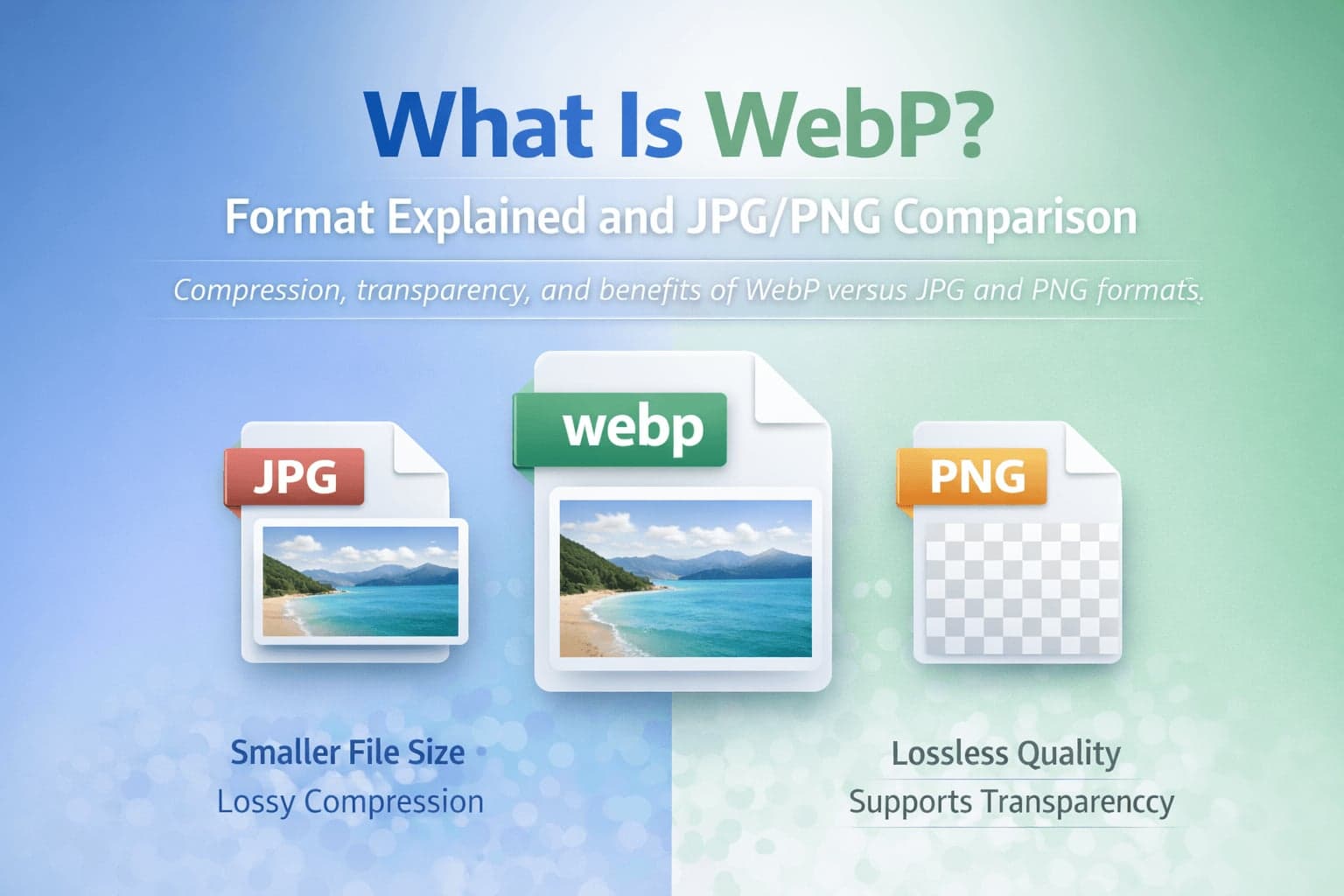
WebP is a modern image format designed to make websites faster without sacrificing visual quality. As digital publishing has evolved, performance has become as important as design. Image-heavy websites, online stores, blogs, and web applications all rely on efficient image delivery to improve loading speed and user experience. WebP was developed to address that need.
If you have worked primarily with JPG and PNG, WebP may seem unfamiliar at first. However, it has become increasingly common across browsers and platforms because it offers strong compression while maintaining visual clarity. Understanding how WebP works and how it compares to JPG and PNG helps you decide when conversion makes sense and when sticking with traditional formats is better.
What Is WebP?
WebP is an image format developed by Google with the goal of reducing file size while maintaining comparable visual quality. It supports both lossy and lossless compression, which makes it flexible in a way that JPG and PNG individually are not.
Unlike JPG, which only supports lossy compression, WebP can compress images while preserving high levels of detail at smaller file sizes. Unlike PNG, which uses only lossless compression, WebP can also store transparent images efficiently.
In practical terms, WebP attempts to combine the strengths of JPG and PNG into a single, more efficient format.
Why Was WebP Created?
As websites became more visually rich, page weight increased significantly. Large images slow down loading times, particularly on mobile devices or slower internet connections. Because search engines increasingly factor performance into ranking signals, developers needed a format that delivered smaller images without noticeably reducing quality.
WebP was introduced to solve that problem. By improving compression efficiency, it reduces file size compared to JPG and PNG in many cases. Smaller images lead to faster page rendering, lower bandwidth usage, and better performance metrics.
How WebP Compression Works
WebP supports two main compression modes: lossy and lossless.
In lossy mode, WebP reduces file size by analyzing image patterns and eliminating less noticeable visual data, similar in concept to JPG but often more efficient. It is especially effective for photographic images.
In lossless mode, WebP compresses images without permanently removing data. This makes it comparable to PNG in terms of visual integrity, while often producing smaller file sizes than PNG for the same image.
WebP also supports transparency and animation, expanding its versatility across web design and media applications.
WebP vs JPG
JPG has long been the standard for photographs online. It is widely supported and efficient for natural images with gradients and color variation. However, JPG compression can introduce visible artifacts, particularly around edges or text.
WebP typically produces smaller files than JPG at equivalent quality settings. In many scenarios, a WebP image can be significantly smaller than its JPG counterpart while appearing visually similar.
However, JPG still maintains extremely broad compatibility, especially with older software and legacy systems. If universal compatibility is your primary concern, JPG remains a safe choice.
If performance optimization is your goal, WebP often offers better efficiency.
For users who need to switch formats, conversion tools such as WebP to JPG and JPG to WebP converters allow flexibility depending on workflow needs.
WebP vs PNG
PNG is known for lossless compression and transparency support. It is particularly effective for logos, text graphics, screenshots, and UI elements.
WebP can also support transparency, often at smaller file sizes than PNG. When used in lossless mode, WebP frequently produces smaller files while preserving detail.
However, PNG remains popular in design workflows because of its long-standing compatibility and integration into graphic design tools.
If you are working on web optimization and want smaller transparent images, WebP may provide an advantage. If you need maximum compatibility across older environments, PNG may still be preferred.
Conversions between these formats are straightforward using tools such as WebP to PNG and PNG to WebP converters.
WebP Transparency and Animation
One of WebP's strengths is flexibility. It supports alpha transparency similar to PNG and also supports animation, providing functionality similar to GIF while often delivering better compression.
This makes WebP suitable for interactive web components and animated graphics where file size efficiency matters.
Browser and Platform Support
In earlier years, WebP compatibility was limited. Today, major modern browsers support WebP, including Chrome, Edge, Firefox, and Safari.
However, certain legacy applications or older software versions may not fully support WebP. In those cases, converting WebP to JPG or WebP to PNG ensures broader usability.
When sharing files with unknown recipients or uploading to platforms with strict format requirements, verifying compatibility is important.
When Should You Use WebP?
WebP is particularly beneficial when optimizing websites for speed. E-commerce product images, blog visuals, and landing page banners can often benefit from WebP's compression efficiency.
WebP is also appropriate when transparency is required and file size reduction is desirable.
However, if you are distributing files to clients, government agencies, or legacy systems that may not support WebP, using JPG or PNG may reduce compatibility risks.
The decision should be based on performance needs, compatibility requirements, and editing workflow considerations.
Converting WebP Files
There are many practical reasons to convert WebP images. You may receive a WebP image but need JPG for compatibility with editing software. Alternatively, you may want to convert PNG or JPG images into WebP to improve website performance.
Conversion does not increase original image quality. If a JPG has already lost data due to compression, converting it to WebP will not restore lost detail. It simply stores the existing image data in a different format.
FlipMyFiles provides straightforward tools for all WebP conversions: WebP to JPG, JPG to WebP, WebP to PNG, and PNG to WebP.
Conclusion
WebP represents an evolution in image compression designed for the modern web. By combining efficient compression, transparency support, and flexible modes, it offers advantages over older formats in many scenarios.
However, JPG and PNG remain important formats due to their compatibility and established workflows.
Understanding the strengths and limitations of each format allows you to choose intelligently rather than relying on habit. For web performance, WebP often provides measurable benefits. For compatibility and legacy systems, JPG and PNG still play a central role.