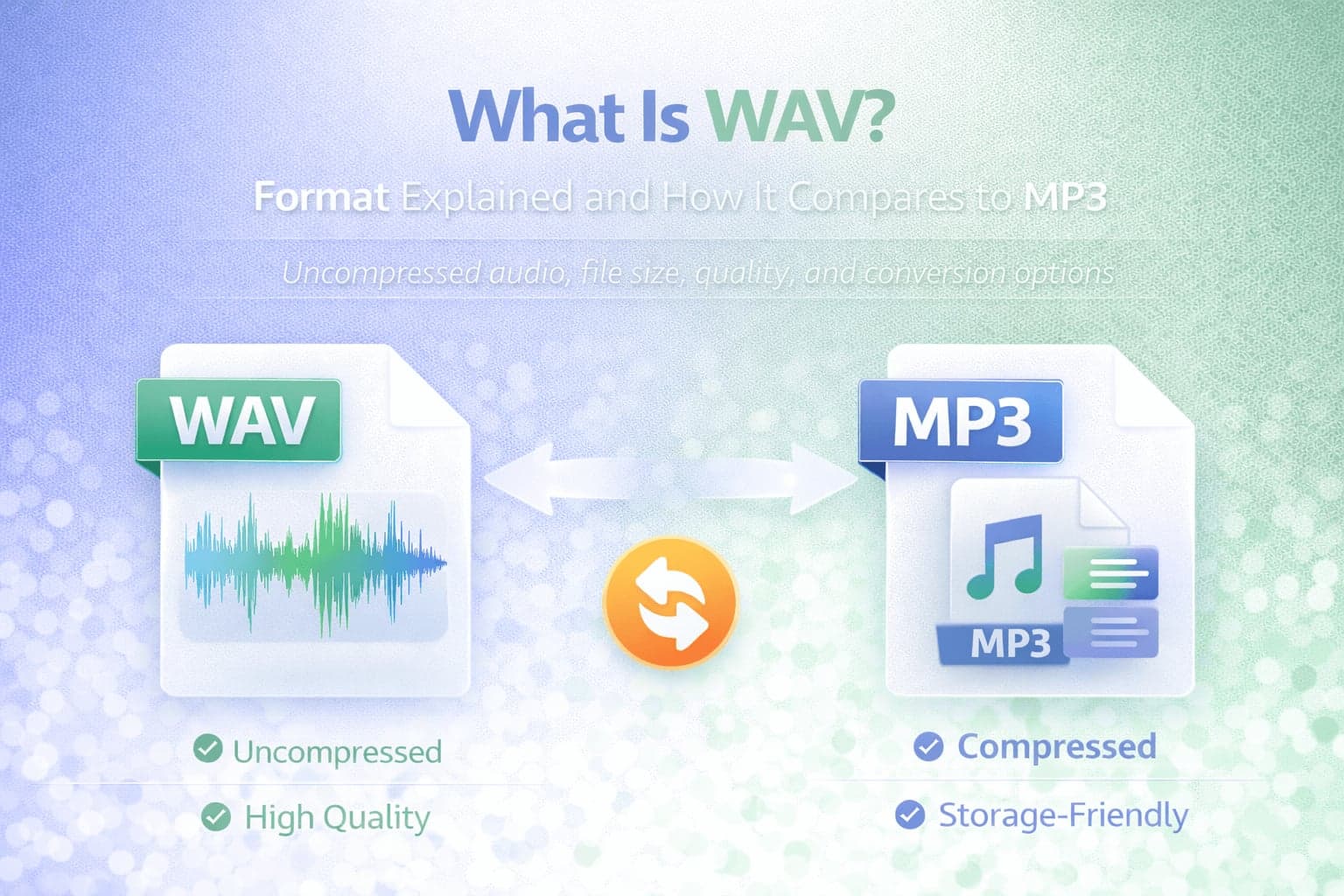
WAV is one of the most widely recognized audio formats in professional recording and editing environments. If you have ever worked with studio recordings, exported raw audio from editing software, or downloaded high-quality sound files, there is a strong chance you encountered WAV files.
Unlike MP3, which focuses on compression and efficient storage, WAV is primarily associated with preserving full audio detail. Understanding what WAV is and how it differs from MP3 helps clarify why some audio files are dramatically larger and why certain formats are preferred in production workflows.
WAV plays a foundational role in digital audio because it represents audio in a straightforward, often uncompressed form. Comparing WAV to MP3 reveals how compression works and why different formats serve different purposes in recording, editing, and distribution.
What Does WAV Stand For?
WAV stands for Waveform Audio File Format. It was developed by Microsoft and IBM in the early 1990s as part of the Resource Interchange File Format (RIFF) specification.
WAV is a container format designed to store audio waveform data. In most cases, WAV files contain uncompressed audio, although the format technically supports compressed data as well. In everyday usage, WAV is commonly understood as an uncompressed audio format.
Because WAV typically stores raw audio data, it preserves the full fidelity of the original recording.
What Is a WAV File?
A WAV file stores digital audio data in a straightforward format that closely represents the original sound wave. Unlike MP3, which removes parts of the audio signal to reduce file size, WAV usually retains all recorded audio information.
This makes WAV particularly useful in professional environments where audio quality and editing flexibility are priorities. Sound engineers, producers, and editors often work with WAV files during recording, mixing, and mastering.
Since WAV files are usually uncompressed, they are significantly larger than compressed formats such as MP3.
Why WAV Files Are Larger
The large file size of WAV files is a direct result of minimal or no compression. When audio is recorded digitally, it is represented as a series of samples captured at a specific sampling rate and bit depth.
WAV files typically store these samples without removing data. This means that the file contains a full representation of the sound waveform.
By contrast, MP3 uses lossy compression to reduce file size. It analyzes the audio and removes frequencies or details considered less perceptible to human hearing.
As a result, a WAV file may be many times larger than the same recording stored as MP3.
WAV vs MP3: The Core Differences
The most important difference between WAV and MP3 lies in compression.
WAV is typically uncompressed and preserves the original recording. MP3 uses lossy compression to reduce file size.
Because WAV retains full audio information, it is preferred in production workflows. Editing, processing, and exporting from a WAV source helps avoid cumulative quality loss.
MP3 is designed for efficient storage and distribution. It reduces file size dramatically while maintaining acceptable listening quality for most everyday situations.
For casual listening, streaming, and sharing, MP3 is often sufficient. For recording, mixing, and mastering, WAV is generally the preferred format.
If your goal is easier sharing or storage, WAV to MP3 conversion is the most optimal solution. If your goal is high compatibility with editing workflows, MP3 to WAV conversion may be the option.
Audio Quality Considerations
In ideal conditions, WAV preserves more audio detail than MP3 because it does not discard data during compression.
However, the perceived difference depends on the listening environment, playback equipment, and the bitrate of the MP3 file. At higher bitrates, MP3 can sound very close to the original for many listeners.
In professional contexts, maintaining uncompressed audio helps ensure maximum quality during editing and mastering.
It is also important to understand that converting an MP3 file back to WAV does not restore the removed audio information. Once data is lost during MP3 compression, it cannot be recovered.
Compatibility and Use Cases
WAV files are widely supported in desktop operating systems and professional audio software. They are standard in digital audio workstations and recording environments.
MP3 files enjoy broader universal compatibility across mobile devices, streaming platforms, and web-based players.
When distributing audio online, MP3 is often more practical because of smaller file size and faster uploads.
When recording or archiving high-quality audio, WAV remains a common choice.
When Should You Use WAV?
WAV is ideal when recording audio, editing sound, mixing tracks, or preparing content for mastering.
If you are creating music, podcasts, voiceovers, or sound design projects, starting with WAV preserves maximum detail.
WAV is also suitable when long-term archiving of original recordings is important.
When Should You Convert WAV to MP3?
If you need to share audio files online, send them via email, upload to websites, or store large collections efficiently, WAV to MP3 conversion is often beneficial. MP3 reduces file size significantly while remaining widely supported.
Conclusion
WAV is a foundational audio format that typically stores uncompressed waveform data. It prioritizes fidelity and editing flexibility over storage efficiency.
MP3, by contrast, prioritizes compression and compatibility, making it ideal for distribution and everyday listening.
Understanding the difference between uncompressed and lossy compressed audio explains why WAV files are larger and why conversion between formats is common.
For professional audio production, WAV remains a standard starting point. For sharing and storage, MP3 is often the more practical solution.