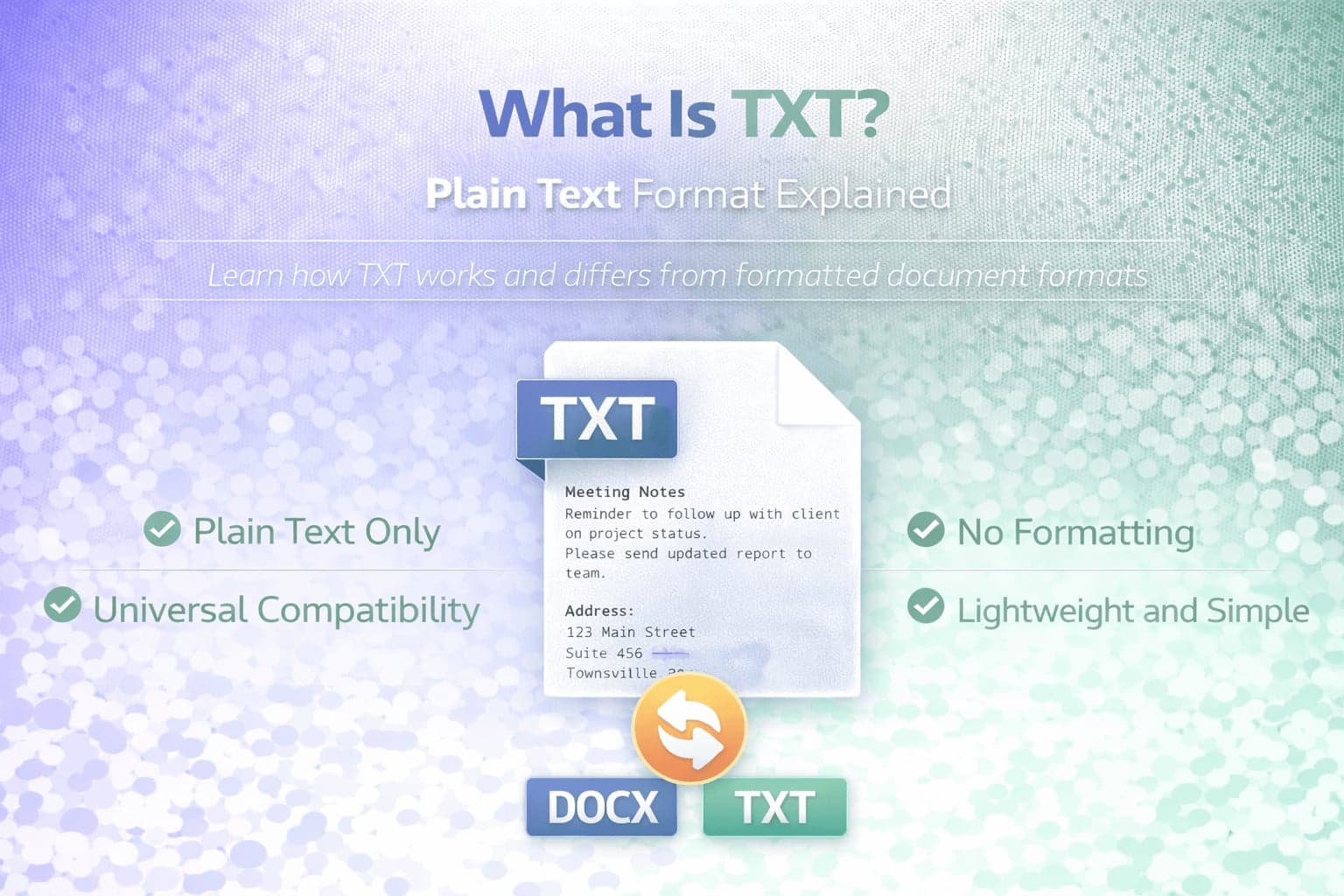
TXT is one of the simplest and most universal file formats in computing. A TXT file, often called a plain text file, stores unformatted text using a basic character encoding system. It does not contain styling, formatting, embedded images, charts, or structured layout. Instead, it preserves only the characters themselves.
Despite its simplicity, the TXT format plays a crucial role in software development, data exchange, documentation, and long-term digital storage. Understanding what TXT is and how it differs from structured document formats like DOCX or spreadsheet formats like XLSX helps clarify when it is the appropriate choice.
TXT files are widely supported across operating systems, programming environments, and applications, making them one of the most compatible formats available.
What Is a TXT File?
A TXT file is a plain text file that stores characters without formatting instructions. It may include letters, numbers, punctuation, and symbols, but it does not preserve font styles, colors, bold text, page layout, or embedded media.
TXT files typically use character encoding standards such as UTF-8, ASCII, or Unicode. These encodings determine how characters are represented internally. Because TXT is encoding-based rather than layout-based, it focuses entirely on content rather than presentation.
TXT files can be opened in basic text editors such as Notepad, TextEdit, and many code editors, as well as word processors and development tools.
How TXT Files Work
Unlike DOCX or XLSX files, which use structured XML or compressed archive formats, TXT files store data as continuous streams of characters.
Each line in a TXT file is separated by a line break character. There is no concept of columns, tables, multiple sheets, or formatting layers. The simplicity of this structure makes TXT highly predictable and easy for software systems to process.
Because TXT files contain only text, they are typically small in file size compared to formatted documents. They are also less likely to become corrupted due to structural complexity.
TXT vs DOCX
TXT and DOCX serve very different purposes.
DOCX is a structured word-processing format capable of storing fonts, images, tables, headers, footers, styles, and complex formatting. TXT stores only raw text without layout information.
If you convert DOCX to TXT, formatting, images, and advanced document elements are removed. Only textual content remains.
TXT is appropriate when content matters more than appearance. DOCX is appropriate when presentation and formatting are required.
TXT vs CSV
TXT and CSV are both plain-text formats, but they differ in structure and use case.
TXT files store unstructured or free-form text. CSV files store structured tabular data separated by delimiters.
While a CSV file can technically be opened as a TXT file because both are plain text, CSV follows specific structural conventions for rows and columns. TXT does not impose any tabular structure.
TXT is commonly used for documentation, notes, logs, configuration files, and scripts. CSV is commonly used for tabular data exchange.
Advantages of TXT
The primary advantage of TXT is universal compatibility. Nearly every operating system and programming language can read plain text.
TXT is lightweight and stable. It does not depend on proprietary formats or vendor-specific software. This makes it suitable for long-term archival of textual information.
Because it contains no embedded scripts or formatting layers, TXT files are also less complex and generally safer to process in automated systems.
TXT is widely used in software development for configuration files, source code, documentation, and data exchange.
Limitations of TXT
TXT files do not preserve formatting. They cannot store bold text, italics, tables, images, hyperlinks, charts, or multiple sections in structured form.
If a document relies on layout or visual structure, converting to TXT removes those elements.
TXT also does not inherently define structure for tabular data. While separators can be used manually, there is no built-in schema or table format unless conventions are imposed.
When Should You Use TXT?
TXT is ideal when you need to store or transmit pure text content without formatting. It is useful for logs, notes, scripts, configuration files, and data extraction.
TXT is also appropriate when sharing content across different platforms where formatting compatibility is uncertain.
If your goal is to extract textual content from formatted documents, converting to TXT may simplify processing and integration.
When Should You Convert to TXT?
Conversion to TXT is helpful when formatting is not required and raw text is sufficient.
For example, DOCX to TXT conversion can remove styling and preserve only the core content for analysis or system import.
Conclusion
TXT is a plain text format designed to store raw textual data without formatting or structure. It is one of the most universally supported and lightweight file formats available.
While TXT does not support rich formatting or structured spreadsheet features, its simplicity and compatibility make it essential in software systems, documentation workflows, and data processing tasks.
Understanding the differences between TXT and formatted document formats helps ensure that conversion decisions preserve the information that matters most.