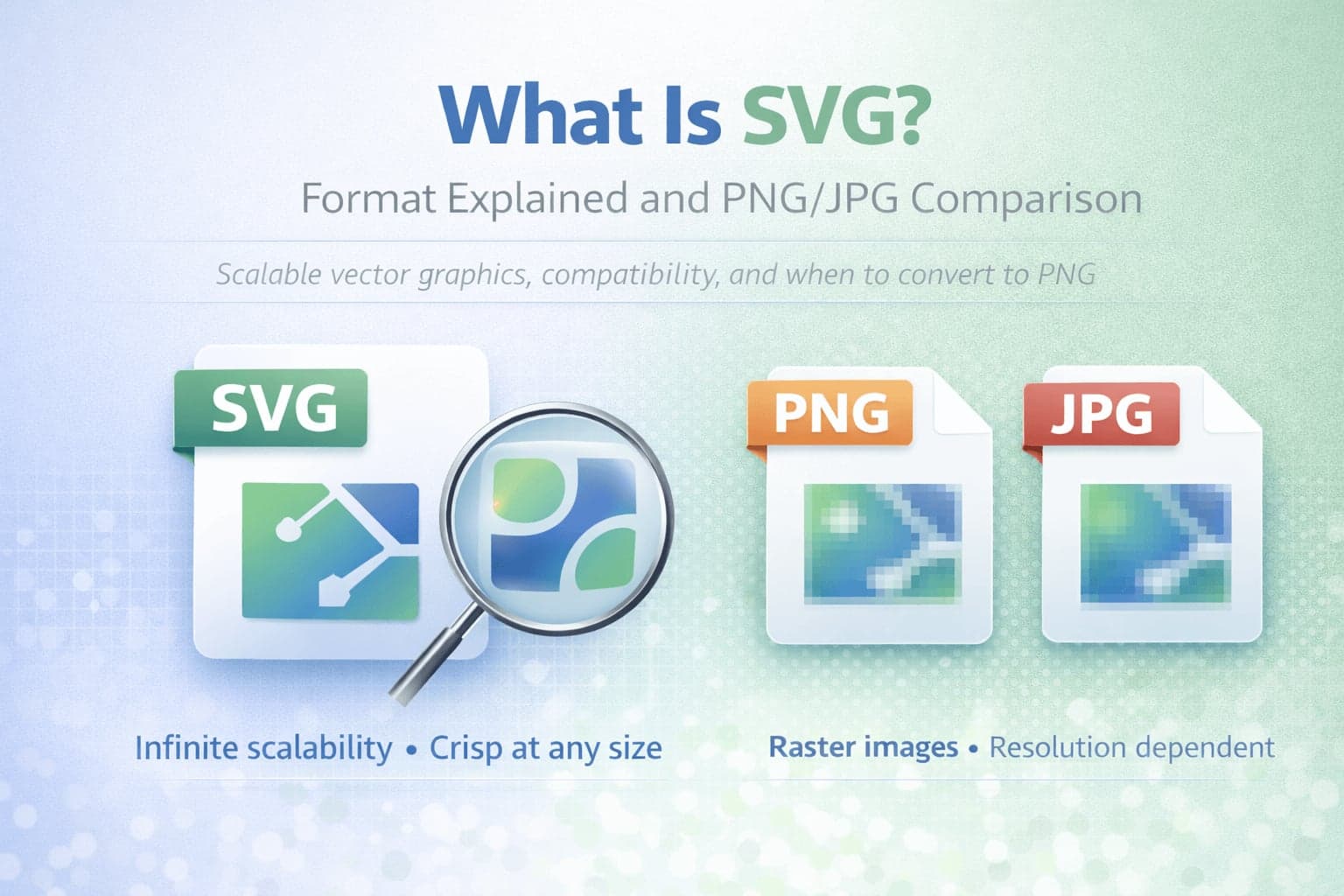
SVG is one of the most important image formats on the modern web, even if many people never intentionally choose it. If you have ever downloaded a logo from a brand kit, added an icon to a website, or used a design system for an app interface, there is a good chance you have worked with SVG. The reason is simple: SVG is built for crisp, scalable graphics that stay sharp at any size.
If JPG and PNG are familiar because they are "normal images," SVG often feels different because it behaves differently. It is not a photo format. It is a format designed for graphics, icons, diagrams, and logos. It can scale from tiny to huge without turning blurry, which makes it ideal for modern high-resolution screens and responsive design.
This article explains what SVG is, how it works, why it is popular for web and UI design, and when you should convert SVG to PNG.
What Does SVG Stand For?
SVG stands for Scalable Vector Graphics. The key word is scalable. SVG images are vector-based, meaning they are described using shapes and paths rather than stored as a grid of pixels.
That difference changes how the image behaves. Pixel images like JPG and PNG have a fixed resolution. If you enlarge them too much, they become blurry or blocky. Vector images like SVG can be resized repeatedly without losing sharpness because they are redrawn mathematically each time they are displayed.
What Is an SVG File?
An SVG file is a vector image format that describes graphics using XML-based markup. Instead of storing every pixel, it stores instructions for how to draw the image. These instructions can define shapes, lines, curves, fills, strokes, gradients, and text.
Because SVG is essentially structured text that describes a graphic, it is often lightweight for icons and logos. It can also be edited in design software and, in many cases, directly in code.
This makes SVG uniquely useful for web and product design. It can scale perfectly, render sharply on retina displays, and integrate smoothly into websites and interfaces.
Why SVG Is Used So Often on Websites
SVG became a web standard because it solves a common design problem: you want graphics that look crisp everywhere and adapt to different screen sizes.
Logos, icons, buttons, UI elements, and simple illustrations work well as SVG because they remain sharp on mobile and desktop screens. They also typically load quickly because vector descriptions can be smaller than large pixel images.
SVG also supports features that are useful for web interfaces. It can be styled, color-adjusted, and animated in ways that are harder to do with standard image files.
From a practical point of view, SVG is a reliable solution when you want the same graphic to look perfect in different sizes without exporting multiple image versions.
SVG vs PNG
PNG is a pixel-based format that supports transparency and lossless compression. It is widely used for screenshots, UI graphics, and images that require crisp edges and transparent backgrounds.
SVG is not pixel-based. It is vector-based. That means SVG does not store a fixed-resolution image, while PNG does.
If your graphic is a logo, icon, or illustration, SVG often wins because it scales infinitely without losing clarity. A PNG version of the same graphic must be exported at a specific resolution. If you need a bigger version later, you either upscale it and lose sharpness or re-export it from the original design file.
PNG is still better in certain scenarios. If your "graphic" includes complex textures or effects that do not translate well into vector paths, PNG can be safer. PNG is also useful when you need consistent behavior across environments that do not support SVG, such as some document workflows or older apps.
Many people use SVG to PNG conversion when they need a fixed image file for platforms that do not accept SVG uploads.
SVG vs JPG
JPG is primarily used for photographs. It uses lossy compression and is efficient for complex images with many colors and gradients.
SVG is not designed for photographs. In theory you can embed photographic images inside an SVG container, but that defeats the purpose and usually does not provide meaningful benefits.
The practical comparison is about use cases. JPG is for photos. SVG is for scalable graphics.
If you try to save an icon as JPG, it will often look worse and become blurry around edges because JPG compression is not ideal for sharp lines and text. This is why logos and icons are rarely delivered as JPG.
SVG and File Size: Why It Can Be Small or Large
SVG files can be very small when they contain simple shapes, icons, or text-based paths. This is one reason they are excellent for UI icons.
However, SVG files can become large if they contain complex illustrations with thousands of vector points. In those cases, the file becomes heavy because the "instructions" to draw the graphic are extensive.
This is an important practical consideration. SVG is not automatically smaller than PNG. It depends on the complexity of the graphic. For simple icons, SVG is often extremely efficient. For very complex vector illustrations, a PNG may be smaller and easier to handle.
SVG Compatibility and Practical Limitations
Modern browsers support SVG well, which is why it is so common on websites. However, there are environments where SVG is less convenient.
Some platforms do not allow SVG uploads due to security policies. This is because SVG is a text-based format that can include scriptable elements, and some systems restrict it to prevent misuse. In normal legitimate workflows, you typically use SVG from trusted sources and keep it purely graphic.
Another limitation is that some older software tools and document systems do not support SVG natively. If you need to insert a logo into a program that only accepts PNG or JPG, conversion is necessary.
In these cases, SVG to PNG is often the safest approach because PNG preserves sharp edges and supports transparency.
When You Should Use SVG
SVG is ideal when your image is a logo, icon, diagram, or illustration that needs to remain sharp at any size.
It is also ideal when you want a single asset that works across multiple screen sizes without exporting multiple resolutions.
If your goal is a crisp web interface or scalable brand graphics, SVG is often the best format.
When You Should Convert SVG to PNG
Converting to PNG makes sense when you need compatibility with a platform that does not support SVG. It also makes sense when you need a fixed image for email signatures, certain document exports, or upload systems that require PNG.
SVG to PNG also helps when you need a raster image for use in contexts that do not render vector graphics properly.
SVG Quality and Conversion Realities
It helps to set the right expectations. Converting SVG to PNG means turning a scalable vector into a pixel-based image. The output quality depends on the resolution you choose. If you export at a low resolution and then enlarge it later, it may look blurry because it becomes a standard raster image.
A good workflow is to convert at the size you need, or slightly larger if you expect to use the image in multiple contexts.
SVG is "resolution-independent," but once converted to PNG, it becomes resolution-dependent.
Conclusion: SVG Is the Right Format for Scalable Graphics
SVG exists to solve a fundamental problem: making graphics that stay sharp on every screen size. It is one of the most useful formats for modern web design because it supports scalability, clarity, and flexibility.
PNG remains essential for screenshots, raster graphics, and transparent images where vector is not appropriate. JPG remains essential for photographs. The best approach is to use each format for what it does best.
When you need compatibility, SVG to PNG is often the simplest solution. When you need perfect scalability, SVG is usually the better starting point.