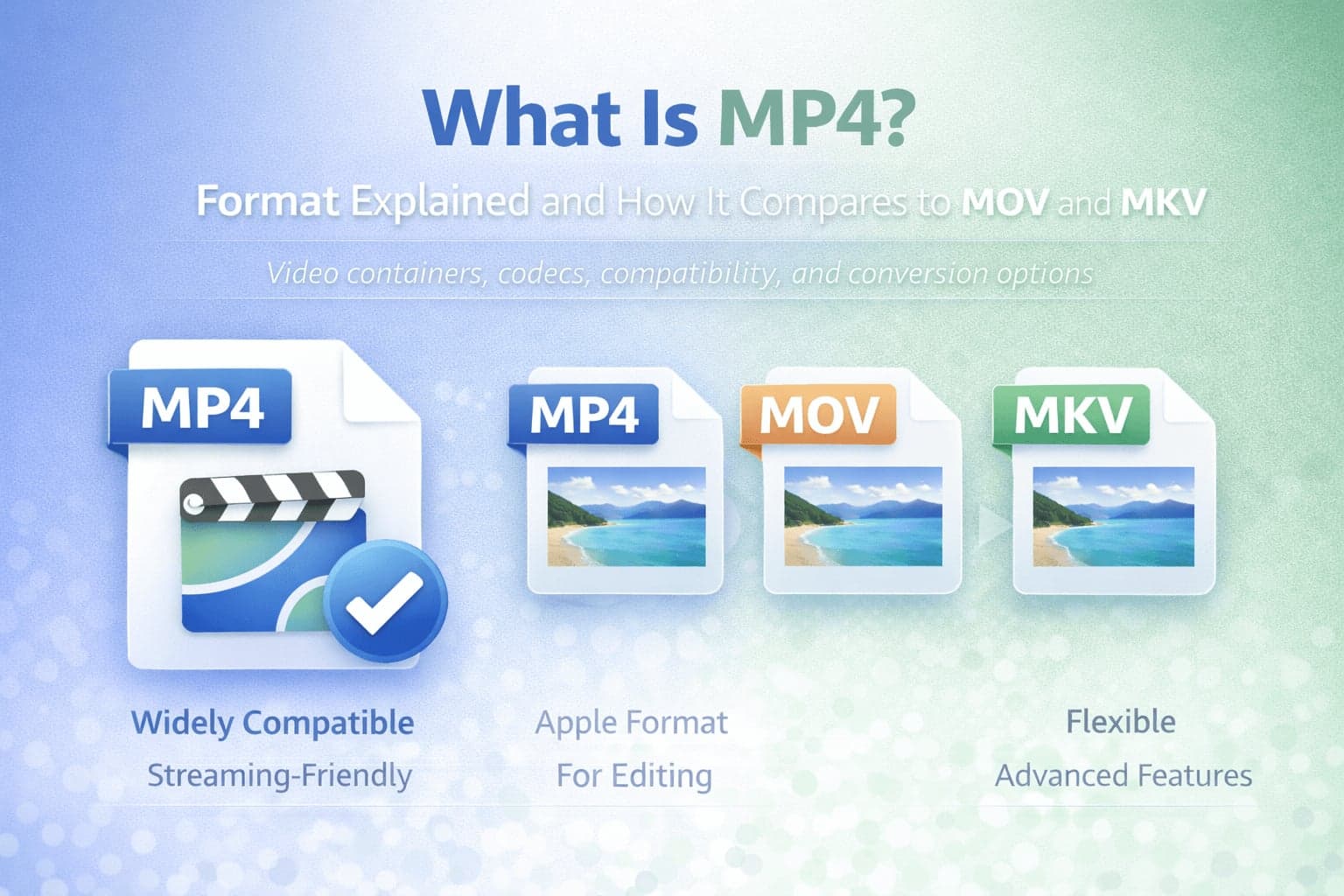
MP4 is one of the most widely used video formats in the world. If you have streamed a video online, uploaded content to social media, transferred a file between devices, or saved a recording from a smartphone, there is a strong chance it was stored as an MP4 file. Despite its familiarity, many people do not fully understand what MP4 actually is or why it has become the dominant video container format.
Understanding MP4 matters because video workflows increasingly depend on compatibility, compression efficiency, and streaming performance. Choosing the right format affects file size, playback reliability, editing flexibility, and sharing convenience. This guide explains what MP4 is, how it works, and how it compares to MOV and MKV in practical scenarios.
What Does MP4 Stand For?
MP4 stands for MPEG-4 Part 14. It is a digital multimedia container format developed as part of the MPEG-4 standard. The important word here is container.
An MP4 file does not define a single specific video compression method. Instead, it acts as a container that holds video streams, audio streams, subtitles, and metadata in a structured format. The video inside an MP4 file is often encoded using codecs such as H.264 or H.265, while audio may be encoded as AAC or similar formats.
This container approach is one reason MP4 is so flexible and widely supported.
Why MP4 Became the Standard
MP4 gained popularity because it offers a strong balance between quality, compression efficiency, and compatibility. It works across devices, operating systems, browsers, and media players with minimal friction.
Streaming platforms rely heavily on MP4 because it supports efficient compression that reduces bandwidth usage while maintaining acceptable visual quality. Mobile devices record video in MP4 because it keeps file sizes manageable while preserving playback quality.
Compatibility is a major advantage. MP4 files typically play without additional plugins or special software, whether on Windows, macOS, Android, iOS, smart TVs, or web browsers.
In practical terms, MP4 became the default because it simply works in most environments.
How MP4 Works
MP4 functions as a container that organizes multimedia data. Inside the file, separate streams are stored for video, audio, subtitles, and other metadata. The container structure keeps everything synchronized.
The quality and file size of an MP4 depend largely on the codec used inside it. For example, an MP4 file encoded with H.264 will have different compression characteristics than one encoded with H.265. The container remains MP4, but the internal encoding determines performance and visual results.
This separation between container and codec is important. Many people refer to "MP4" as if it were a single type of compression, but it is more accurate to think of it as a structured wrapper around compressed media streams.
MP4 vs MOV
MOV is another multimedia container format originally developed by Apple. Like MP4, it can store video, audio, and other media data.
The two formats share technical similarities. In fact, MP4 evolved from related QuickTime file structures. However, MOV is more closely associated with Apple ecosystems and professional editing workflows.
In practical use, MOV files are often larger than equivalent MP4 files because they may use less aggressive compression or store additional metadata optimized for editing. Many professional video editors export MOV during production and then convert to MP4 for distribution.
MP4 tends to be more universally compatible for playback and streaming. MOV may offer advantages in editing environments, particularly when working within Apple software, but MP4 is generally the safer format for sharing and publishing.
If you need to convert between these formats, MOV to MP4 or MP4 to MOV can help adapt files to specific workflows.
MP4 vs MKV
MKV, which stands for Matroska Video, is another container format known for flexibility. It supports multiple audio tracks, subtitle tracks, and complex metadata structures. Because of this flexibility, MKV is often used in scenarios that require multiple language tracks or advanced subtitle options.
MP4 is more standardized and widely supported across devices. MKV may offer more flexibility for specialized use cases, but compatibility can vary depending on hardware and software.
For everyday playback and streaming, MP4 is usually more predictable. For advanced multimedia packaging or archiving with multiple tracks, MKV may provide more structural flexibility.
If compatibility becomes an issue, MP4 to MKV and MKV to MP4 can resolve workflow limitations.
MP4 for Streaming and Online Use
MP4 is heavily optimized for streaming environments. It supports progressive download and adaptive streaming techniques used by many online platforms.
Because MP4 files are typically compressed efficiently, they reduce bandwidth usage without significantly compromising quality. This makes them ideal for video platforms, websites, and mobile streaming.
Browsers also natively support MP4 playback when encoded with widely adopted codecs like H.264. This compatibility contributes to its dominance in web publishing.
MP4 and Audio Extraction
Since MP4 is a container, it often includes both video and audio streams. In many cases, users may want to extract audio from an MP4 file. This is common when converting a recorded lecture, presentation, or interview into an audio-only format.
MP4 to MP3, MP4 to WAV, or MP4 to AAC allow users to separate audio for different use cases.
It is important to understand that extracting audio does not improve sound quality beyond what is already stored in the file. The output reflects the original audio encoding.
When Should You Use MP4?
MP4 is the best choice in most general-purpose scenarios. If your goal is to share a video, upload to a website, stream content, or ensure cross-device compatibility, MP4 is usually the safest and most practical option.
It is especially appropriate when compatibility and predictable playback are priorities.
When Might You Choose MOV or MKV Instead?
MOV may be preferred in professional editing workflows, particularly in Apple-based environments where certain metadata and production features are valuable.
MKV may be chosen when multiple audio tracks or subtitles must be bundled into one file for advanced playback scenarios.
However, once content is finalized for distribution, many creators convert back to MP4 for broader compatibility.
Conclusion
MP4 has become the global standard for digital video because it balances compression efficiency, compatibility, and flexibility. While other container formats like MOV and MKV serve important roles in editing and advanced workflows, MP4 remains the most reliable format for general playback and streaming.
Understanding the difference between containers and codecs helps clarify why MP4 is so widely used. In most everyday situations, choosing MP4 ensures your video works smoothly across platforms and devices.