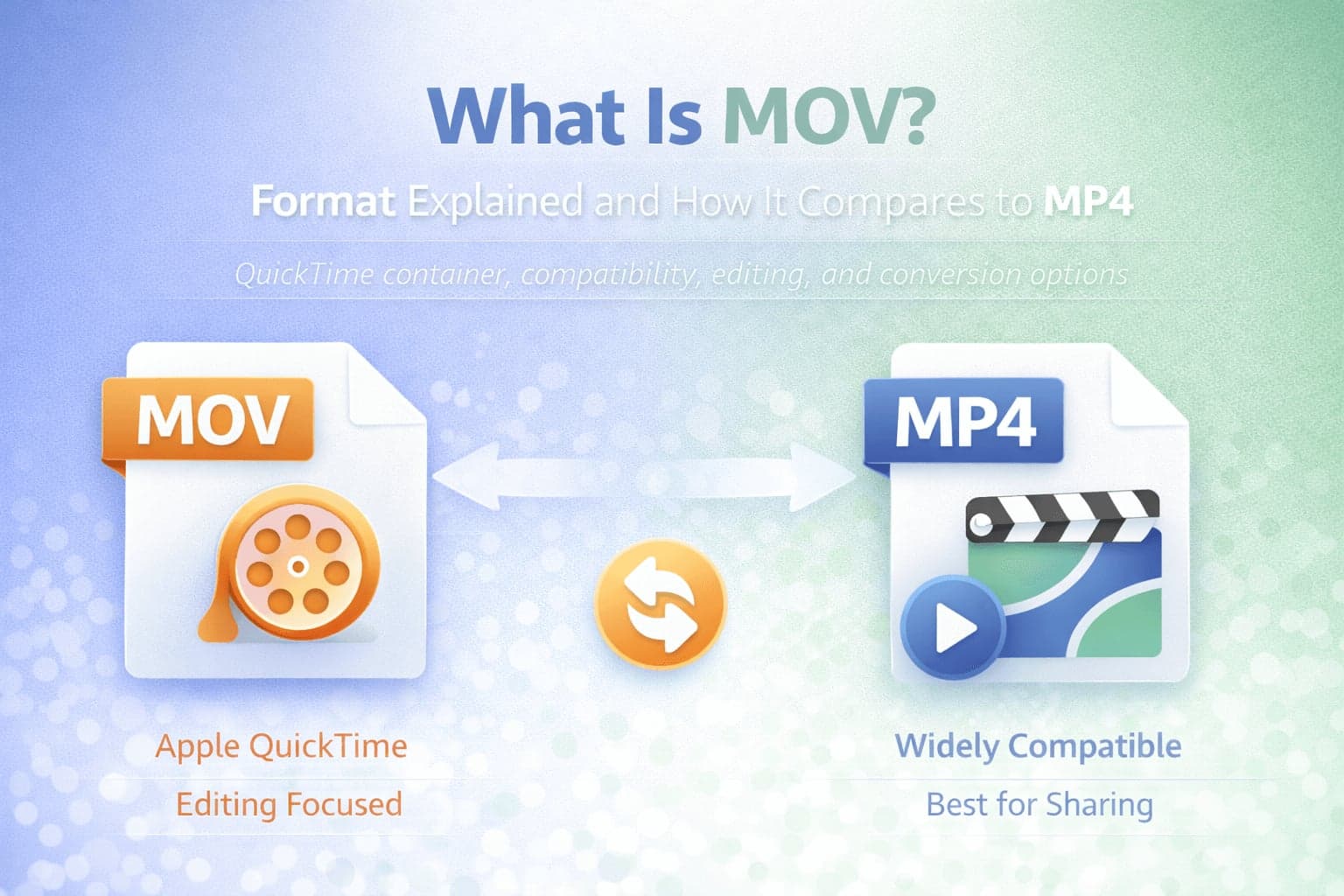
MOV is a video file format that many people encounter when working with Apple devices, professional editing tools, or camera footage. If you have ever exported a project from video editing software, downloaded a clip from an iPhone workflow, or received a file that plays perfectly on a Mac but causes issues elsewhere, there is a good chance the file was a MOV.
At a glance, MOV can seem similar to MP4 because both are commonly used and both can contain video and audio in a single file. The important difference is not what the file "looks like," but how it is used in real workflows. MOV is strongly associated with Apple's QuickTime ecosystem and is often favored in production and editing contexts. MP4 is generally favored for publishing, streaming, and broad compatibility.
Understanding what MOV is and how it compares to MP4 helps you make better choices when saving, exporting, uploading, or converting video.
What Does MOV Stand For?
MOV is the file extension used for the QuickTime File Format developed by Apple. You will often see it referred to simply as "QuickTime" or "QuickTime movie." MOV is not a single codec. Like MP4, it is best understood as a container format.
That means a MOV file can hold different types of video and audio streams. The "container" defines how media streams are packaged, timed, and stored together. The codec determines how the video or audio is compressed.
This distinction matters because the same MOV file extension can behave very differently depending on what codec is inside it.
What Is a MOV File?
A MOV file is a multimedia container that can store video, audio, subtitles, timecode, and metadata. It was designed for flexibility in professional workflows and for use with Apple's QuickTime platform.
One reason MOV is common in editing workflows is its ability to store rich metadata. That can include information about color, frame timing, camera data, and other details that matter during production. Some MOV workflows also emphasize editing-friendly characteristics that make files easier to work with in professional software, even if those files are larger than a typical web-ready export.
When people say "MOV files are large," they are often describing a common workflow rather than a rule. MOV can store highly compressed video, but it is also frequently used with high-quality codecs or less aggressive compression, which increases file size.
Why MOV Is Popular in Editing and Apple Workflows
MOV is tightly integrated with Apple's ecosystem. Many Apple devices and apps handle MOV smoothly, and many professional editing tools have long supported MOV as a standard container for editing and export.
In production environments, MOV is often used because it fits well into project-based workflows. Editors may work with intermediate formats or higher-quality exports that preserve detail for color correction and post-production. These workflows prioritize editing performance, accuracy, and production flexibility rather than the smallest possible file size.
As a result, MOV is frequently used earlier in a video's lifecycle. Once a project is finished, it is often converted or exported to MP4 for distribution.
MOV vs MP4: The Core Differences
The most important comparison between MOV and MP4 is not that one is "better," but that they optimize for different priorities.
MP4 is the default distribution container because it is widely supported across devices, browsers, social platforms, and streaming workflows. In many cases, MP4 files are smaller and more convenient for sharing because they are often exported with settings intended for online delivery.
MOV is a flexible container often used in creation and editing contexts, especially in Apple workflows. It may carry additional metadata and is frequently used with editing-friendly codecs or higher bitrate exports.
The second key difference is compatibility. MP4 is usually easier to play everywhere, especially on non-Apple devices and web platforms. MOV support can be excellent on modern systems, but it can be inconsistent in some environments, particularly where software expects MP4 by default.
That compatibility gap is one of the most common reasons people convert MOV to MP4.
If you need to publish a MOV clip online, share it across mixed devices, or upload to a platform that prefers MP4, converting is often the simplest solution. FlipMyFiles supports MOV to MP4 conversion. If you have an MP4 and need a MOV for a specific editing workflow or Apple-centric pipeline, you can MP4 to MOV here.
What Codecs Can Be Inside MOV?
Because MOV is a container, it can carry video compressed with different codecs. That's why two MOV files can behave differently even if they share the same extension.
A MOV might contain video encoded with an editing-friendly codec, a high-quality camera codec, or a more compressed codec meant for delivery. The same is true for audio streams.
This is also why converting MOV to MP4 is not simply changing the file extension. A true conversion often involves re-encoding the video stream into a codec and packaging it into the target container so it plays reliably across more platforms.
File Size Considerations: Why MOV Often Feels "Heavier"
Many users experience MOV as a larger format, especially when exporting from editing software. That often happens because MOV is used with higher bitrates or production-oriented settings.
When you export a clip for editing, you may keep higher quality to preserve detail for color grading and effects. When you export for the web, you typically compress more aggressively to reduce file size. MP4 export presets for platforms are often designed around that distribution goal.
If you compare a MOV exported for editing and an MP4 exported for streaming, the MP4 will usually be smaller because it is optimized for delivery.
However, MOV does not inherently require huge file sizes. The size depends on resolution, bitrate, frame rate, codec, and audio settings.
MOV Compatibility: Where It Works Best and Where It Causes Friction
MOV files generally work very well on macOS and iOS. Many users can play them instantly in default apps.
Compatibility issues arise when a MOV file is used outside of those environments or when it contains a codec that is not supported by a specific player or platform. Some systems may support MOV containers but not the codec inside the file. Others may accept MOV uploads but fail during processing or preview.
If your goal is predictable playback across a wide range of devices, MP4 is usually the safer distribution format.
When You Should Use MOV
MOV is a strong choice when you are working in Apple-centric workflows or professional editing contexts. If you are recording, editing, exporting intermediates, or preserving metadata for production purposes, MOV is often used because it fits those workflows.
It is also useful when a specific software tool or delivery requirement expects MOV. In some professional environments, MOV is used to carry timecode or project metadata that is useful in post-production.
When You Should Convert MOV to MP4
If your goal is to share a video broadly, upload it to a website, send it to someone who may not have the same software environment, or publish it online, converting MOV to MP4 is often the practical move.
MP4 is a common target because of its wide support in browsers, mobile apps, social platforms, and streaming systems.
On FlipMyFiles, you can MOV to MP4, which is typically the best step when a platform rejects MOV uploads or when a MOV clip is too large for easy sharing.
MOV vs MP4 in Real-World Scenarios
If you are exporting a final video for a website, a landing page, or a social post, MP4 is usually the simplest and most compatible choice.
If you are exporting from editing software and want a higher-quality master file or you need to preserve production-oriented metadata for the next stage of editing, MOV is often used.
If you are collaborating across mixed environments, you may keep a MOV master and distribute MP4 versions for preview and sharing.
This approach mirrors how many professional workflows operate: higher-quality source for production, more compatible output for distribution.
Conclusion
MOV is a flexible QuickTime-based container format widely used in Apple workflows and professional editing contexts. It often appears larger because it is commonly associated with higher-quality production exports and editing-friendly settings.
MP4 is typically the best choice for distribution because it offers broad compatibility and is commonly optimized for streaming and sharing.
Understanding that both MOV and MP4 are containers, not codecs, helps explain why conversion is sometimes necessary and why file behavior can vary. When you need reliability across devices and platforms, MOV to MP4 is often the simplest path.