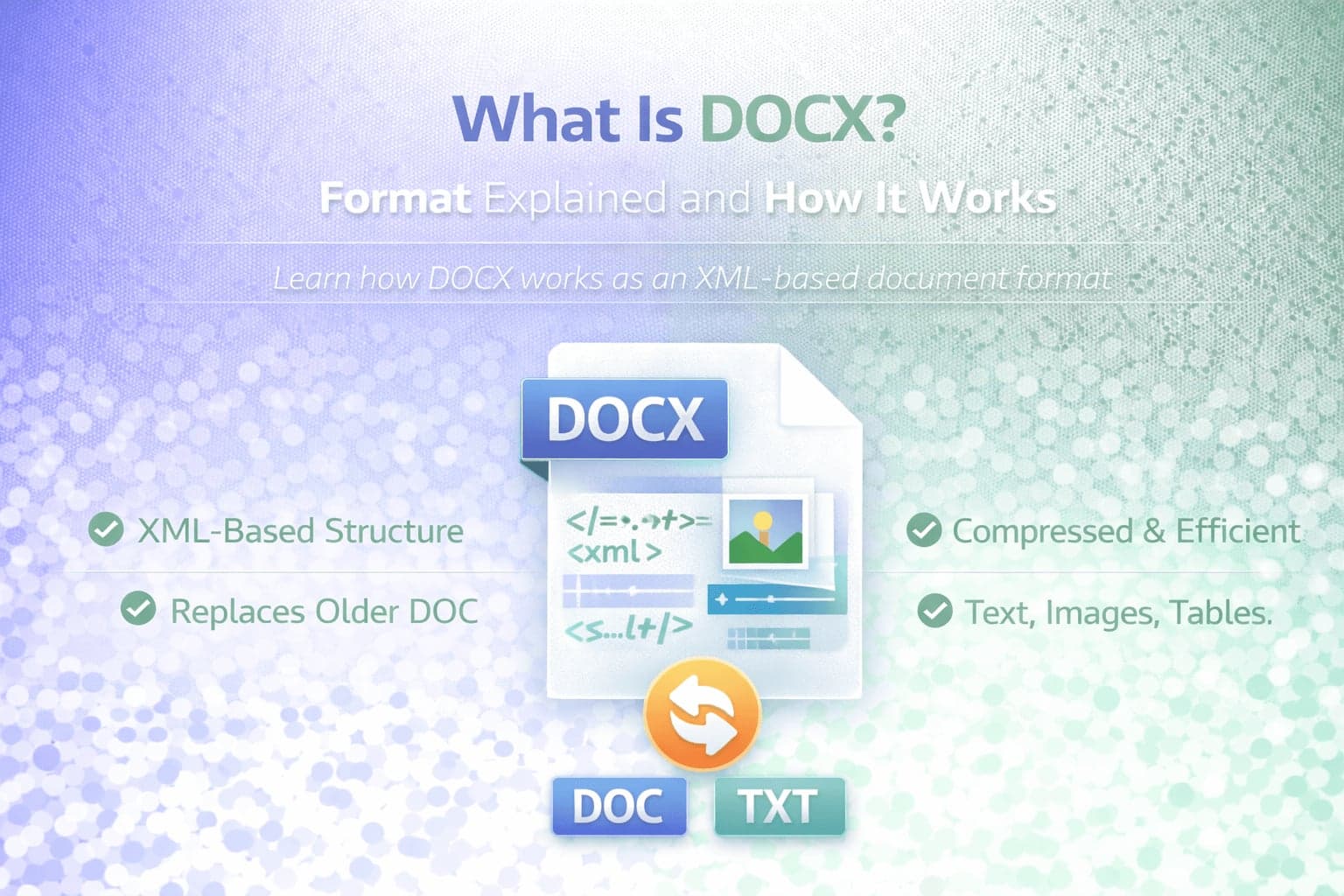
DOCX is one of the most widely used document file formats in the world. If you have ever created a document in Microsoft Word after 2007, there is a high probability that it was saved as a DOCX file.
DOCX is designed to store formatted text, images, tables, and other document elements in a structured and efficient way. It replaced the older DOC format and introduced improvements in file size, compatibility, and data structure.
Understanding what DOCX is and how it works helps clarify why it became the standard format for modern word processing and why conversion between document formats is common in digital workflows.
What Does DOCX Stand For?
DOCX stands for "Document Open XML." The format was introduced by Microsoft with Word 2007 as part of the Office Open XML (OOXML) standard.
Unlike the older DOC format, which used a proprietary binary structure, DOCX is based on XML, or Extensible Markup Language. XML is a structured, human-readable markup format used to organize and describe data.
This structural change made DOCX files more efficient, more secure, and easier to manage compared to the legacy DOC format.
How DOCX Files Work
A DOCX file is not a single continuous block of text data. Instead, it is essentially a compressed archive containing multiple XML files and related resources.
If you rename a DOCX file to a ZIP file and extract it, you will see a folder structure containing document.xml and other files that define styles, formatting, images, and document settings.
This modular structure allows modern word processors to interpret formatting, layout, and embedded elements more reliably.
Because DOCX is compressed, file sizes are generally smaller than the older DOC format for similar content.
DOCX vs DOC: What Changed?
The main difference between DOCX and DOC lies in their internal structure.
DOC files use a binary format that is not easily readable or structured outside of Microsoft Word. DOCX uses XML-based markup stored inside a compressed archive.
This change improved compatibility and reduced file corruption risks. If part of a DOCX file becomes damaged, it may still be partially recoverable because of its structured format.
DOCX also supports enhanced formatting features, improved image handling, and better integration with modern document standards.
What Can a DOCX File Contain?
DOCX files can store formatted text, images, tables, charts, hyperlinks, headers, footers, styles, and embedded objects.
Because the format supports structured XML markup, it can precisely define document layout, fonts, spacing, and other design elements.
This flexibility makes DOCX suitable for reports, resumes, academic papers, contracts, and business documentation.
Compatibility and Software Support
DOCX is widely supported across modern word processing applications. While it was introduced by Microsoft, many third-party programs and online editors can open and edit DOCX files.
Compatibility has improved significantly since its introduction, making DOCX the default standard for professional document exchange.
However, some legacy systems and older software versions may not fully support DOCX formatting features.
When Should You Convert DOCX?
Conversion may be necessary when sharing documents with users who rely on different formats or systems.
For example, if you need a simplified version without formatting, you can always DOCX to TXT conversion.
Plain text conversion removes styling but preserves textual content, making it useful for data extraction or system integration.
DOCX conversion is also common in workflows that involve content publishing, automation, or cross-platform compatibility.
Is DOCX Secure?
Because DOCX uses structured XML and compression, it is generally more resilient than the older DOC format. However, like any document format, DOCX files can contain embedded macros if saved in specific macro-enabled variants.
Standard DOCX files do not contain active macros by default. For documents with macros, a different extension such as DOCM is used.
As with any file type, documents should only be opened from trusted sources.
Why DOCX Became the Standard
DOCX became the dominant word processing format because it combined efficiency, structured markup, and widespread software adoption.
Its smaller file size compared to DOC, improved compatibility, and structured XML architecture made it a modern alternative aligned with web-based and cross-platform environments.
Today, DOCX remains the default format for most word processing tasks in business, education, and professional communication.
Conclusion
DOCX is an XML-based word processing format introduced as part of the Office Open XML standard. It replaced the older binary DOC format with a structured and compressed architecture.
Because of its efficiency, compatibility, and formatting flexibility, DOCX became the global standard for digital documents.
Understanding how DOCX works helps clarify why it is widely used and why conversion to other formats, such as plain text, is sometimes necessary in modern workflows.