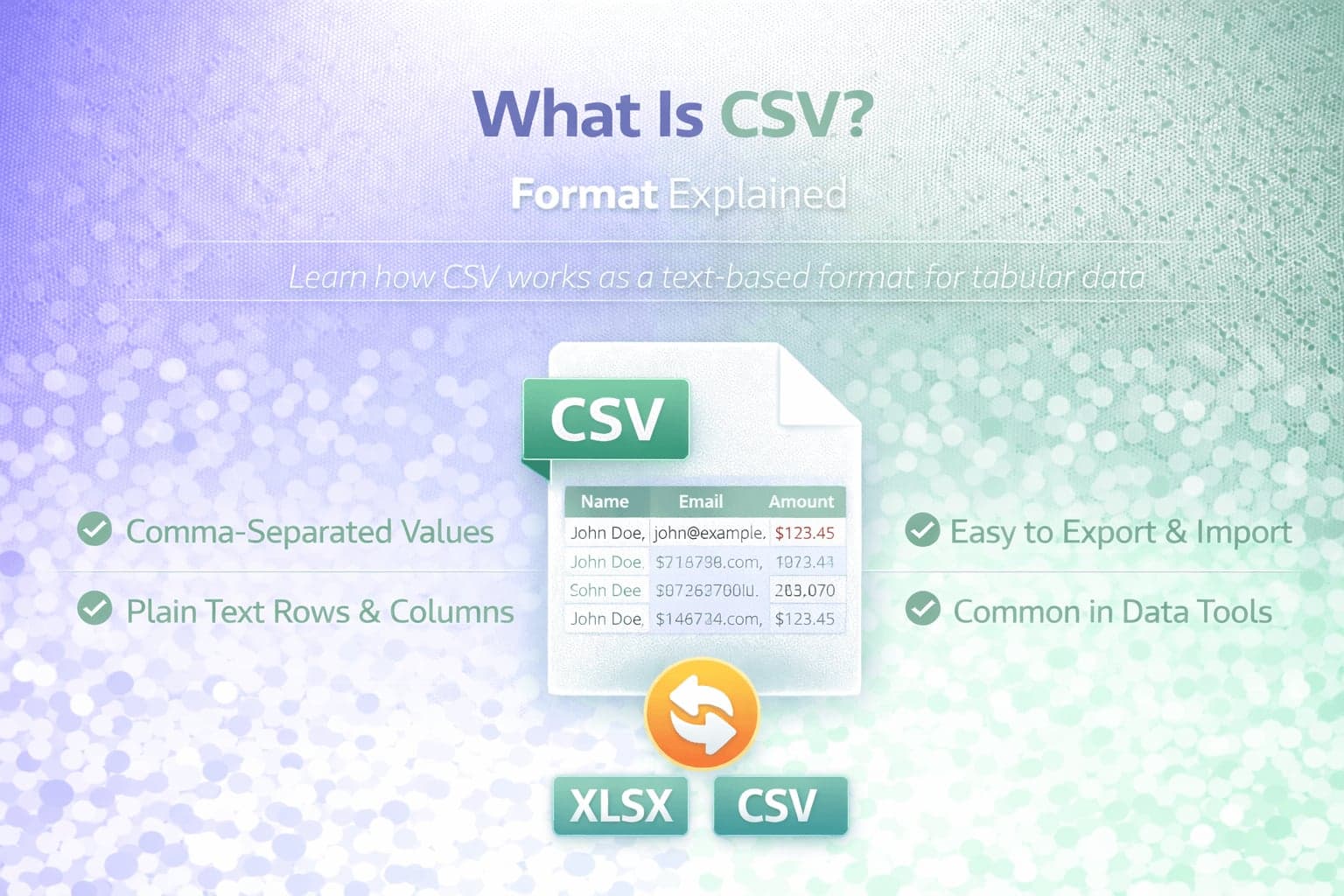
CSV is one of the most common file formats used to store and transfer tabular data. You will often see CSV files used for exporting reports, downloading transaction histories, moving data between systems, migrating contacts, and sharing spreadsheet-like information without relying on a specific software brand.
Even though CSV files may look simple, they are widely used because they are lightweight, easy to generate, and supported by almost every data tool. Understanding what CSV is and how it works helps prevent common issues like broken columns, wrong separators, and corrupted special characters when you open or share data across different programs.
What Does CSV Stand For?
CSV stands for Comma-Separated Values. The idea behind CSV is straightforward: data is stored as plain text, and each row of data appears on a new line. Within each row, values are separated by a delimiter, which is most commonly a comma.
Despite the name, not every CSV file uses commas. In many regions and software setups, CSV files use semicolons, tabs, or other separators. This often depends on local decimal formats and application settings. That is why CSV files can open differently depending on your system and why some CSV imports require you to specify the delimiter.
How a CSV File Works
A CSV file is plain text. That means it stores characters, not formatting. It does not contain fonts, colors, formulas, sheets, charts, or styling. Instead, it stores raw values arranged in rows and columns using text conventions.
A typical CSV file looks like a spreadsheet when opened in Excel or Google Sheets, but internally it remains a simple text file. Each line represents a row. Each separator represents a column boundary.
Because CSV is plain text, it is easy for software systems to generate and read. That is a major reason CSV is widely used in data workflows and integrations. It is also why CSV is a common export option in marketing platforms, CRMs, analytics dashboards, ecommerce tools, and finance systems.
What Can Be Stored in CSV
CSV is best suited for structured, tabular data that fits neatly into rows and columns. Common examples include contact lists, product catalogs, keyword lists, analytics exports, order histories, and inventory spreadsheets.
CSV is not designed to store complex spreadsheet features. It cannot reliably store multiple worksheets, cell formatting, embedded images, pivot tables, or formulas in a way that can be preserved across systems. While you may see formulas in a CSV file as text, the CSV format itself does not support spreadsheet logic. When opened in a spreadsheet tool, formulas may be interpreted, but that behavior depends on the software.
This is a key distinction between CSV and XLSX. CSV is data-focused and software-agnostic. XLSX is a full spreadsheet format with richer capabilities.
CSV vs XLSX: What's the Difference?
CSV and XLSX are often used for similar tasks, but they are fundamentally different.
CSV is plain text and usually contains a single table of values. It is optimized for portability and system-to-system data transfer.
XLSX is a spreadsheet format that can store multiple sheets, formulas, formatting, charts, and more. It is designed for spreadsheet applications and richer document-like functionality.
If you need to preserve formatting, multiple sheets, or formulas, XLSX is usually the better format. If you need a file that works across tools and is easy to import into systems, CSV is often the better choice.
If you want to convert a CSV file into a more editable spreadsheet file, you can use CSV to XLSX conversion. On the other hand, if you need the reverse for importing data into another platform, you can use XLSX to CSV conversion.
Why CSV Sometimes Opens "Wrong"
One of the most common frustrations with CSV is that it can open incorrectly, especially in spreadsheet programs. This usually happens because the program guessed the delimiter or the encoding incorrectly.
Delimiter issues occur when the file uses semicolons but the software expects commas, or vice versa. This can cause all data to appear in a single column instead of being split into multiple columns.
Encoding issues occur when special characters are not interpreted correctly. For example, accented letters, Cyrillic characters, or symbols may display incorrectly if the file encoding is not recognized properly. UTF-8 is commonly used in modern exports, but not every program automatically detects it the same way.
CSV can also appear incorrect when values contain commas, quotes, or line breaks. Proper CSV formatting typically uses quotation marks around values when those values contain separators or special characters. If a file is not properly quoted, importing can cause columns to shift.
Advantages of CSV
CSV is lightweight and easy to work with. Because it is plain text, it can be edited in basic text editors, generated by scripts, and processed by almost any programming language.
CSV also tends to be more stable for data exchange. When platforms provide an export option, CSV is often the most universally compatible choice.
From a long-term perspective, CSV is less dependent on a specific vendor or application format. That portability is one reason it remains widely used even as spreadsheet tools evolve.
Limitations of CSV
CSV has limitations because it is intentionally simple.
It cannot store multiple sheets in one file. It does not preserve formatting or styling. It does not store charts or images. It does not reliably preserve formulas in a meaningful way across different systems.
It can also be ambiguous because the "rules" around delimiters and encoding vary depending on region and the software that created the file.
For many workflows, these limitations are acceptable because CSV is intended as a data transfer format rather than a rich spreadsheet document.
When Should You Use CSV?
CSV is a strong choice when you are moving data between tools, exporting reports, importing lists, or sharing datasets where formatting is not critical.
It is also ideal when you need a file that can be read by software systems, scripts, or database tools. CSV is often the simplest path for integrations and automation.
When Should You Convert CSV to XLSX?
If your goal is to work with the data in a spreadsheet application with formatting, formulas, or multiple tabs, converting CSV to XLSX can make the file easier to manage.
This is especially helpful when you receive a CSV export and want to clean, filter, or analyze it more comfortably in a spreadsheet environment.
Conclusion
CSV is a plain-text, tabular data format widely used for exporting, importing, and transferring data between platforms. It stores rows and columns using separators and keeps data portable and lightweight.
While CSV does not support rich spreadsheet features like formatting, multiple sheets, or embedded charts, it remains one of the most universally supported formats for data exchange.
Understanding delimiters, encoding, and the differences between CSV and spreadsheet formats like XLSX helps prevent common errors and makes conversions and imports more reliable.