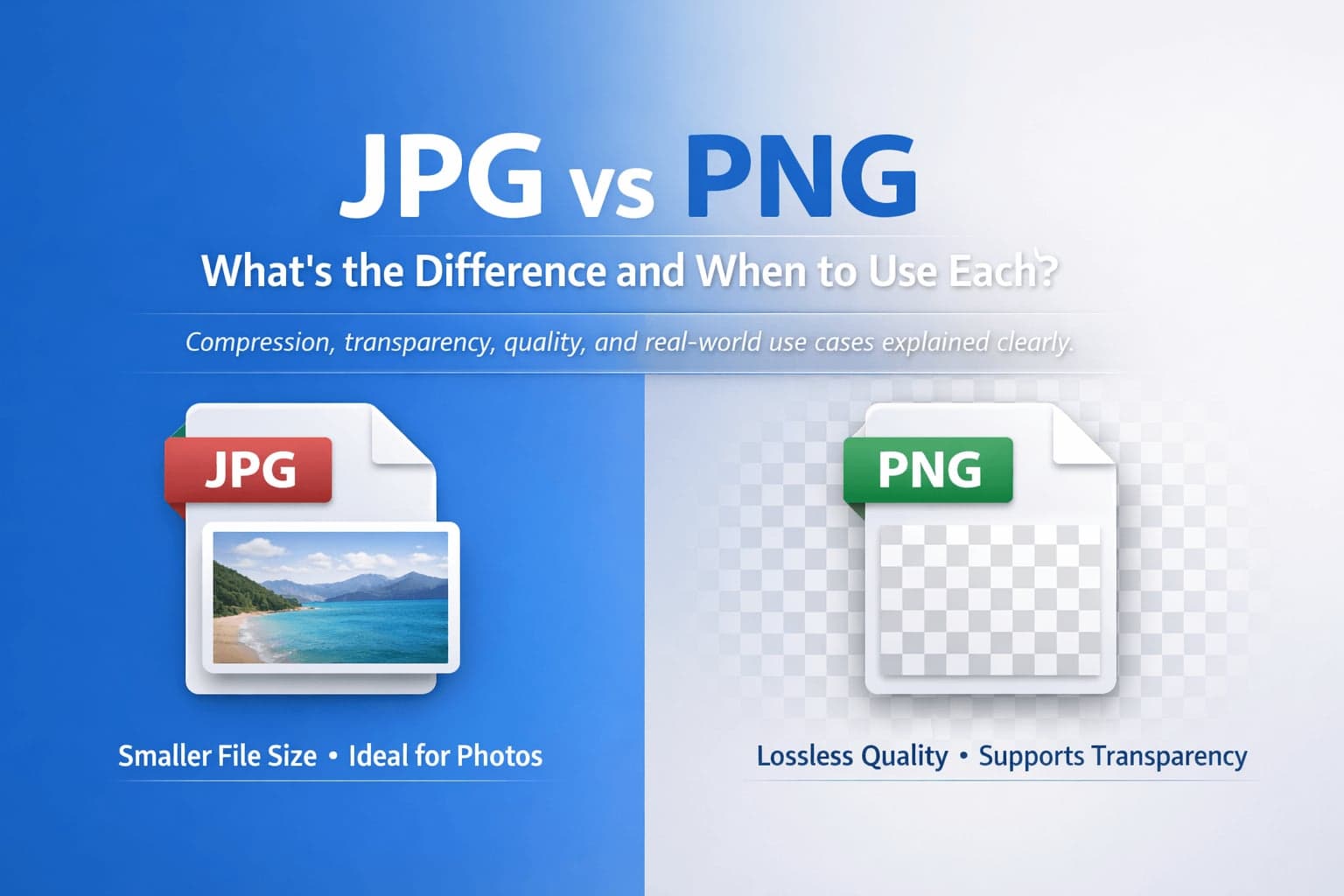
Images are part of almost every digital workflow, from websites and social media posts to invoices, reports, and presentations. Yet many people are unsure which image format to use. Two of the most common formats are JPG and PNG. They may look similar at first glance, but they are built on different principles and serve different purposes.
Understanding the difference between JPG and PNG helps you choose the right format for your needs, whether you are optimizing a website, preparing marketing materials, archiving documents, or converting files for compatibility. It also reduces quality loss and prevents unnecessary file size issues.
This guide explains how JPG and PNG work, what makes them different, and when you should choose one over the other.
What Is a JPG File?
JPG, also written as JPEG, stands for Joint Photographic Experts Group, the committee that created the standard. It was designed specifically for photographic images, where subtle color transitions and natural detail matter more than sharp pixel edges.
The defining feature of JPG is lossy compression. When a JPG file is saved, the image data is compressed in a way that reduces file size by removing some information. The goal is to reduce storage and loading time while keeping visual differences minimal to the human eye.
Because of this compression, JPG files are typically much smaller than PNG files. This makes them ideal for online use, email attachments, and storage where space efficiency matters.
However, each time a JPG is edited and resaved with compression, quality may degrade slightly. Over multiple saves, this degradation can become noticeable.
What Is a PNG File?
PNG stands for Portable Network Graphics. It was developed as a more modern alternative to older image formats and focuses on preserving image quality.
Unlike JPG, PNG uses lossless compression. This means the image data is compressed without permanently removing visual information. When you open a PNG file, you see the image exactly as it was saved, without compression artifacts or blurring.
PNG is particularly strong when handling sharp lines, text, logos, icons, screenshots, and graphics with large areas of solid color. It also supports transparency, which allows parts of the image to be fully or partially transparent. This makes PNG especially useful for web design and layered graphics.
The tradeoff is file size. PNG files are often larger than JPG files, especially when used for photographs.
How JPG and PNG Compression Differ
The key difference between JPG and PNG lies in how they compress data.
JPG compression is optimized for natural photographs. It analyzes color patterns and simplifies areas where human eyes are less likely to notice changes. This can introduce small artifacts, particularly around sharp edges or text, but keeps file sizes low.
PNG compression does not remove visual data. Instead, it reorganizes information more efficiently while keeping the original image intact. This results in larger file sizes but consistent quality.
If you zoom into a heavily compressed JPG, you may notice blocky artifacts or slight blurring. A PNG of the same image will appear crisp, though potentially much larger in size.
Transparency Support: A Major Difference
One of the most practical differences is transparency.
PNG supports full alpha transparency, which allows images to have invisible backgrounds or semi-transparent elements. This is essential for logos placed on different colored backgrounds, user interface elements, and design overlays.
JPG does not support transparency. Any transparent area must be replaced with a solid color background.
If you need an image with a transparent background for web design, presentations, or branding materials, PNG is usually the correct choice. Use the JPG to PNG converter to add full transparency support to any existing image.
File Size Considerations
File size directly affects website performance, storage requirements, and loading speed.
JPG is generally more efficient for large photographic images. A high-resolution photo saved as JPG may be significantly smaller than the same image saved as PNG.
PNG files can become quite large when storing detailed photographs because lossless compression does not remove image information.
For websites, image size impacts page speed, which influences user experience and search engine performance. Choosing the appropriate format helps balance visual quality and performance.
If you need to reduce file size further after choosing a format, compression tools can help optimize either JPG or PNG files. On FlipMyFiles, image conversion tools such as JPG to PNG and PNG to JPG allow you to switch formats depending on your use case.
When to Use JPG
JPG works best for photographs and complex images with many colors and gradients. Travel photos, portraits, product photography, and social media images typically benefit from JPG compression because file size is reduced without obvious visual loss.
JPG is also practical when sending images via email or uploading to platforms that impose file size limits. If storage space or loading speed is a priority, JPG is often the preferred format.
However, JPG is not ideal for text-heavy graphics, logos, or images requiring transparency. If you have PNG files that are too large for sharing or uploading, the PNG to JPG converter reduces file size instantly without any software.
When to Use PNG
PNG is ideal for graphics with sharp edges, text overlays, diagrams, screenshots, and branding materials. If clarity and pixel-perfect detail are important, PNG preserves image integrity.
PNG is also the correct choice when transparency is required. Website elements, logos, interface components, and layered designs often depend on PNG's transparency support.
For scanned documents converted into images, PNG may preserve text sharpness better than JPG, particularly when readability is critical. The JPG to PNG converter lets you switch any existing image to PNG in seconds.
Quality Loss and Editing
If you plan to edit an image multiple times, PNG is generally safer because it does not degrade with repeated saves. JPG may lose quality incrementally with each compression cycle.
This is particularly relevant for designers and content creators who work iteratively. Starting with a lossless format ensures the highest final output quality. If you are working from a JPG and need to preserve quality through multiple edits, convert it to PNG first.
Converting Between JPG and PNG
There are many situations where conversion makes sense.
You might convert JPG to PNG to add transparency or improve clarity for graphic design. You might convert PNG to JPG to reduce file size for faster website loading or easier sharing.
Conversion does not always improve quality. Converting a low-quality JPG into PNG will not restore lost detail. It simply stores the existing image data in a lossless container. Understanding this prevents unrealistic expectations about what conversion can achieve.
If you need format flexibility, tools such as JPG to PNG and PNG to JPG provide a simple way to adjust formats based on your workflow.
JPG vs PNG for Websites
For web publishing, the choice depends on the type of image.
Photographic banners, blog header images, and background images are typically better suited to JPG due to smaller file sizes.
Logos, icons, UI elements, and screenshots are usually better in PNG because of sharper edges and possible transparency.
Website optimization is about balancing performance and clarity. Choosing the correct format at the start reduces the need for later corrections.
Accessibility and Compatibility
Both JPG and PNG are widely supported across operating systems, browsers, and applications. They are considered safe and standard formats for sharing.
Because of their universal compatibility, they are reliable for both personal and professional use.
Conclusion: Choosing the Right Format
JPG and PNG are not competing formats as much as complementary tools. JPG prioritizes smaller file size and efficiency, making it ideal for photographs and web performance. PNG prioritizes visual precision and transparency, making it ideal for graphics and design.
The best format depends on your purpose. Understanding the technical differences allows you to make informed decisions rather than guessing.
If you frequently switch between formats, having access to reliable conversion tools simplifies your workflow and ensures compatibility across platforms. FlipMyFiles supports JPG to PNG, PNG to JPG, and dozens of other image conversions — all free, no account needed.