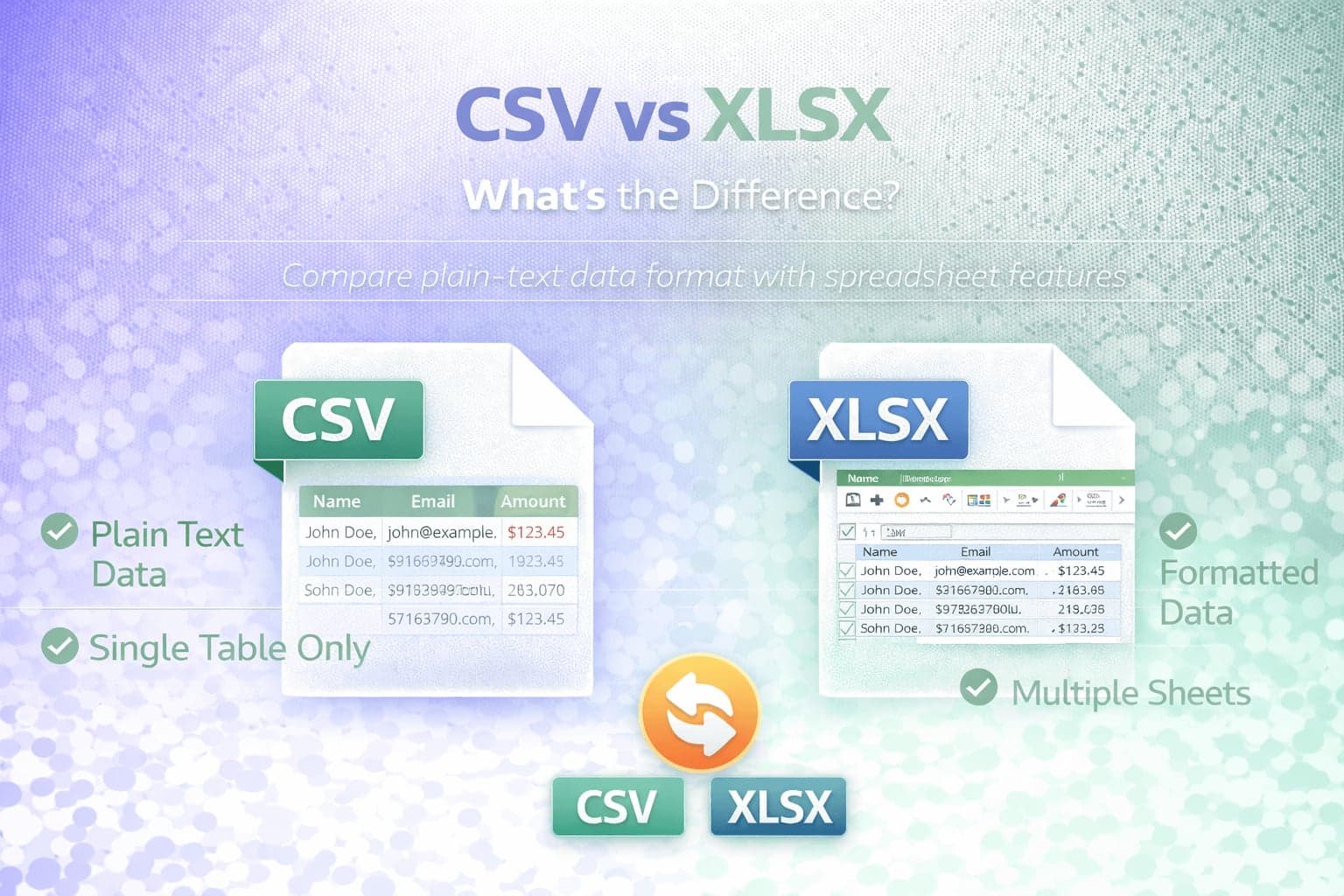
CSV and XLSX are two of the most commonly used formats for storing tabular data. At first glance, both may appear similar because they can open in spreadsheet programs and display information in rows and columns. However, their structure, capabilities, and ideal use cases are fundamentally different.
Understanding the difference between CSV and XLSX helps prevent formatting issues, import errors, and data loss when moving files between tools. It also clarifies when conversion between formats is necessary.
Although both formats can store tabular data, they serve different purposes in data exchange and spreadsheet workflows.
What Is CSV?
CSV stands for Comma-Separated Values. It is a plain-text format designed to store tabular data using separators between values.
Each line in a CSV file represents a row. Each value within that row is separated by a delimiter, which is often a comma but can also be a semicolon or tab depending on system settings.
Because CSV is text-based, it does not store formatting, formulas, charts, multiple sheets, or design elements. It simply stores raw data.
CSV is commonly used for exporting and importing data between systems such as CRMs, marketing platforms, ecommerce tools, analytics dashboards, and databases.
What Is XLSX?
XLSX is a spreadsheet format used by Microsoft Excel and many other spreadsheet programs. It is based on the Office Open XML standard and stores data in a structured, compressed file containing XML components.
Unlike CSV, XLSX can store multiple sheets within one file. It supports formatting, formulas, pivot tables, charts, conditional formatting, embedded objects, and complex spreadsheet logic.
XLSX is designed for working with data inside spreadsheet software rather than simply transferring raw data between systems.
Structural Differences
The most important difference between CSV and XLSX lies in how the data is stored.
CSV is plain text. It can be opened in a text editor and viewed as lines of text separated by delimiters.
XLSX is a structured archive containing multiple XML files that define sheets, cell formatting, formulas, and layout. It cannot be meaningfully read as plain text without extracting and interpreting its internal XML structure.
Because CSV is simple text, it is lightweight and portable. Because XLSX stores richer information, it is more complex and feature-rich.
Formatting and Features
CSV does not preserve formatting. If you apply bold text, colors, column widths, or formulas in Excel and save as CSV, those elements are not retained in the file itself.
XLSX preserves formatting, formulas, charts, and spreadsheet structure. When reopened, the file maintains layout, styles, and advanced spreadsheet functionality.
If your workflow depends on formatting or calculations, XLSX is the appropriate format. If your goal is simple data exchange, CSV is often sufficient.
File Size Considerations
CSV files are often smaller than XLSX files because they contain only raw text data. There is no embedded formatting or structural overhead.
XLSX files are compressed but include additional data such as styles and metadata. This can increase file size compared to CSV, especially when formatting is extensive.
For very large datasets used in system imports, CSV may be more efficient.
Compatibility and Use Cases
CSV is widely supported by nearly every data processing system. Because it is plain text, it can be generated and read by virtually any programming language or database tool.
XLSX is widely supported by spreadsheet applications but may not be accepted by some automated import systems or APIs that expect plain-text input.
If you are uploading data to a platform that requires a structured spreadsheet, XLSX may be preferred. If you are transferring data between platforms or systems, CSV is often required.
If you need to edit the contents of the file, it is recommended to use CSV to XLSX conversion. To prepare spreadsheet data for import into another system, you can use XLSX to CSV conversion.
Common Problems When Switching Between Formats
One common issue occurs when saving an XLSX file as CSV. Because CSV does not support multiple sheets, only the active sheet is saved. Any additional sheets are lost in the conversion.
Another issue involves formulas. When converting to CSV, formulas are replaced by their displayed values. The underlying calculation logic is not preserved.
Delimiter and encoding issues can also arise when opening CSV files, especially across different regions where comma and semicolon usage differs.
Understanding these limitations prevents accidental data loss during conversion.
When Should You Use CSV?
CSV is ideal for data export, bulk uploads, integrations, and system-to-system transfers. It is efficient, portable, and widely supported.
If your priority is compatibility and lightweight data exchange, CSV is usually the better choice.
When Should You Use XLSX?
XLSX is appropriate when working with data inside spreadsheet applications that require formulas, formatting, charts, or multiple worksheets.
If collaboration, presentation, or structured analysis inside Excel or similar tools is required, XLSX provides more functionality.
Conclusion
CSV and XLSX both store tabular data, but they are designed for different purposes.
CSV is a plain-text format optimized for portability and system compatibility. XLSX is a structured spreadsheet format designed for advanced editing, formatting, and analysis.
Choosing between CSV and XLSX depends on whether you need simple data transfer or rich spreadsheet functionality. Understanding these differences helps prevent formatting loss, sheet deletion, and formula removal during conversion.