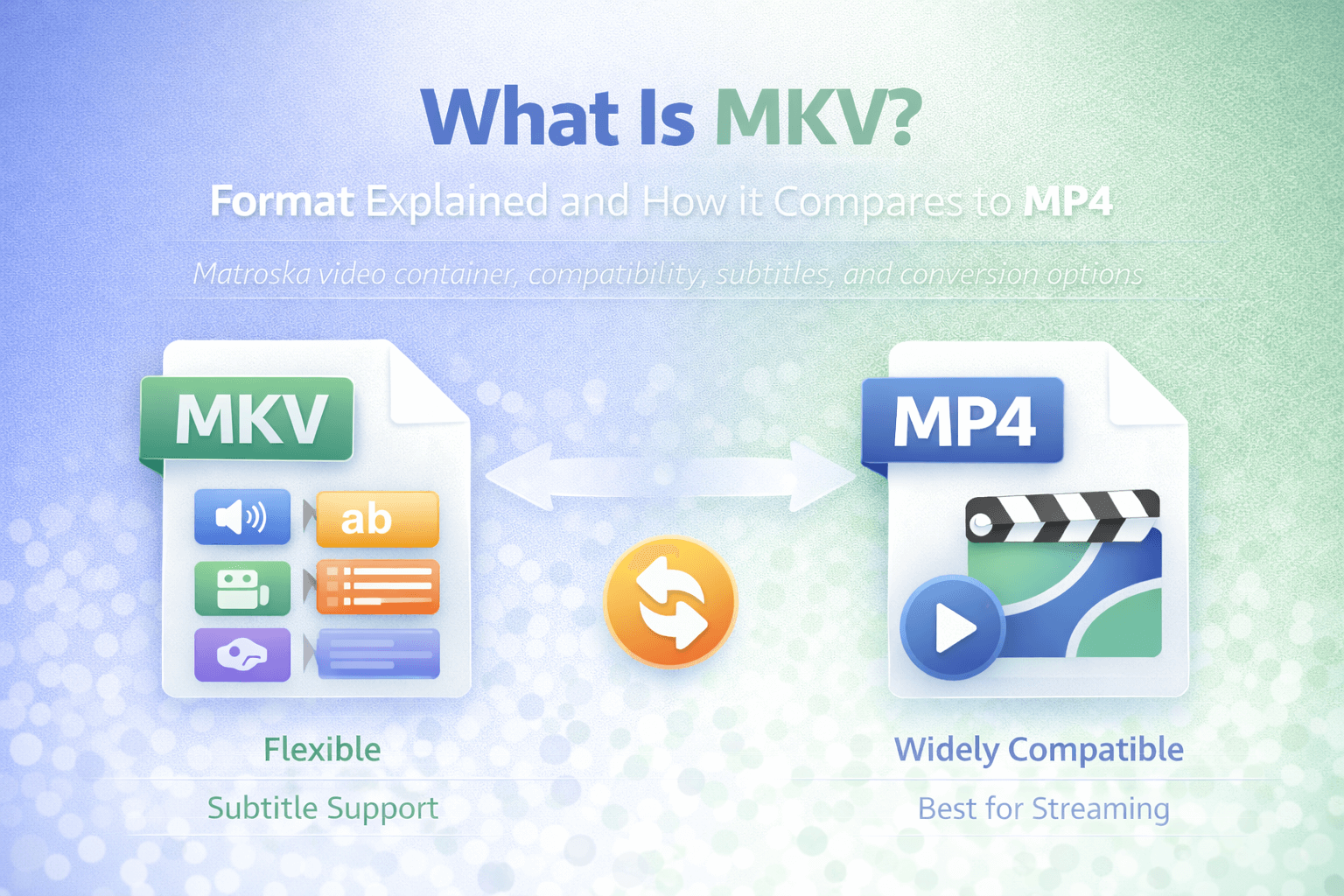
MKV is a video format that many users encounter when downloading large video files, working with multiple subtitle tracks, or handling media collections. While MP4 is often seen as the default format for streaming and sharing, MKV has built a strong reputation for flexibility and advanced multimedia packaging.
If you have ever opened a video file that contains multiple audio languages, embedded subtitles, or additional metadata, there is a good chance it was stored as MKV. Unlike formats designed primarily for distribution and streaming, MKV focuses on flexibility and structural freedom.
Understanding what MKV is, how it works, and how it compares to MP4 helps clarify when it is the right choice and when conversion is practical.
What Does MKV Stand For?
MKV stands for Matroska Video. It is part of the Matroska multimedia container format project. Like MP4 and MOV, MKV is not a codec. It is a container.
A container format defines how video, audio, subtitles, and metadata are stored together inside a single file. The actual compression of video and audio depends on the codecs used inside the container.
This distinction is important because many people assume MKV defines video quality. In reality, quality depends on the codec and encoding settings used within the file.
What Is an MKV File?
An MKV file is a multimedia container capable of storing multiple video tracks, multiple audio tracks, subtitles, chapter information, and extensive metadata within one structured file.
This flexibility makes MKV particularly useful when:
- Multiple language audio tracks are required
- Subtitle options must be embedded
- Chapter navigation is needed
- Rich metadata is preserved
Unlike more standardized containers, MKV allows a wide range of codecs to be used internally. This makes it highly adaptable but sometimes less predictable in terms of compatibility.
Why MKV Is Popular
MKV became popular because it supports advanced packaging features without strict limitations. It allows creators to bundle complex media setups into a single file.
For example, an MKV file may contain:
- One high-quality video stream
- Several audio language tracks
- Multiple subtitle tracks
- Chapter markers
All of that can exist in one container. Because of this flexibility, MKV is often used for archival purposes, advanced playback setups, or situations where multiple tracks are important.
However, this same flexibility can create compatibility issues, especially on devices or platforms optimized primarily for MP4.
MKV vs MP4: The Core Differences
The main difference between MKV and MP4 is structural flexibility versus universal compatibility.
MP4 is highly standardized and widely supported across devices, streaming platforms, browsers, and mobile systems. It is typically the safest format for distribution.
MKV is more flexible in terms of track support and container features. It can store more diverse media combinations in a single file. However, not all devices and platforms support MKV equally well.
In real-world usage, MP4 is generally preferred for:
- Streaming
- Social media uploads
- Web playback
- Mobile compatibility
MKV is often preferred for:
- Archiving
- Advanced subtitle and language packaging
- Media libraries
- Complex track setups
If you need to ensure broad playback compatibility, MKV to MP4 is often the most practical solution. If you need to package media with advanced track options, MP4 to MKV is an optimal solution for this goal.
Compatibility Considerations
Compatibility is where MKV differs most from MP4.
While many modern media players support MKV, some devices, smart TVs, and web platforms may not. Even when the container is supported, the internal codec may not be.
MP4 is more consistently supported across operating systems, browsers, and devices. This consistency is one of the primary reasons MP4 dominates streaming and distribution workflows.
When uploading video to websites or sharing across unknown environments, MP4 reduces the risk of playback issues.
File Size: Is MKV Larger Than MP4?
File size does not depend primarily on the container. It depends on:
- Codec used
- Bitrate
- Resolution
- Frame rate
- Audio settings
An MKV file and an MP4 file containing the same video stream encoded with the same codec and bitrate will have very similar sizes.
However, MKV files may be larger in practice if they include multiple audio tracks, subtitles, or additional metadata. That added content increases overall file size.
MKV and Codecs
One of MKV's strengths is its codec flexibility. It can contain video encoded in modern formats and multiple audio codecs within one file.
However, that flexibility can also lead to inconsistent playback if a device does not support the codec inside the MKV container.
This is another reason why conversion to MP4 is common when compatibility becomes a concern.
When You Should Use MKV
MKV is a strong choice when:
- You need multiple audio or subtitle tracks within one file
- You want to archive video with rich metadata
- You require chapter navigation
- You are managing advanced media libraries
In these contexts, MKV's flexibility becomes an advantage.
When You Should Convert MKV to MP4
If your goal is to upload video to a website, send it to someone using different devices, or stream it online, converting to MP4 usually improves compatibility.
Conversion can simplify playback across browsers, mobile devices, and streaming platforms.
On FlipMyFiles, you can MKV to MP4 when broader compatibility is required.
MKV vs MOV
Compared to MOV, MKV is more open and flexible in terms of structure. MOV is more closely associated with Apple's QuickTime ecosystem and professional editing workflows.
MKV is often used in playback and archiving contexts, while MOV is more common in editing environments.
For distribution, MP4 typically remains the preferred option over both MKV and MOV.
Conclusion
MKV is a powerful and flexible multimedia container format designed to handle complex media packaging. It excels in situations where multiple tracks, subtitles, and metadata are important.
MP4, however, remains the safer choice for streaming, sharing, and cross-device compatibility.
The best approach is to choose MKV when flexibility is needed and MKV to MP4 when compatibility becomes the priority. Understanding that both are containers helps clarify why conversion is sometimes necessary and why file behavior depends on internal encoding settings.