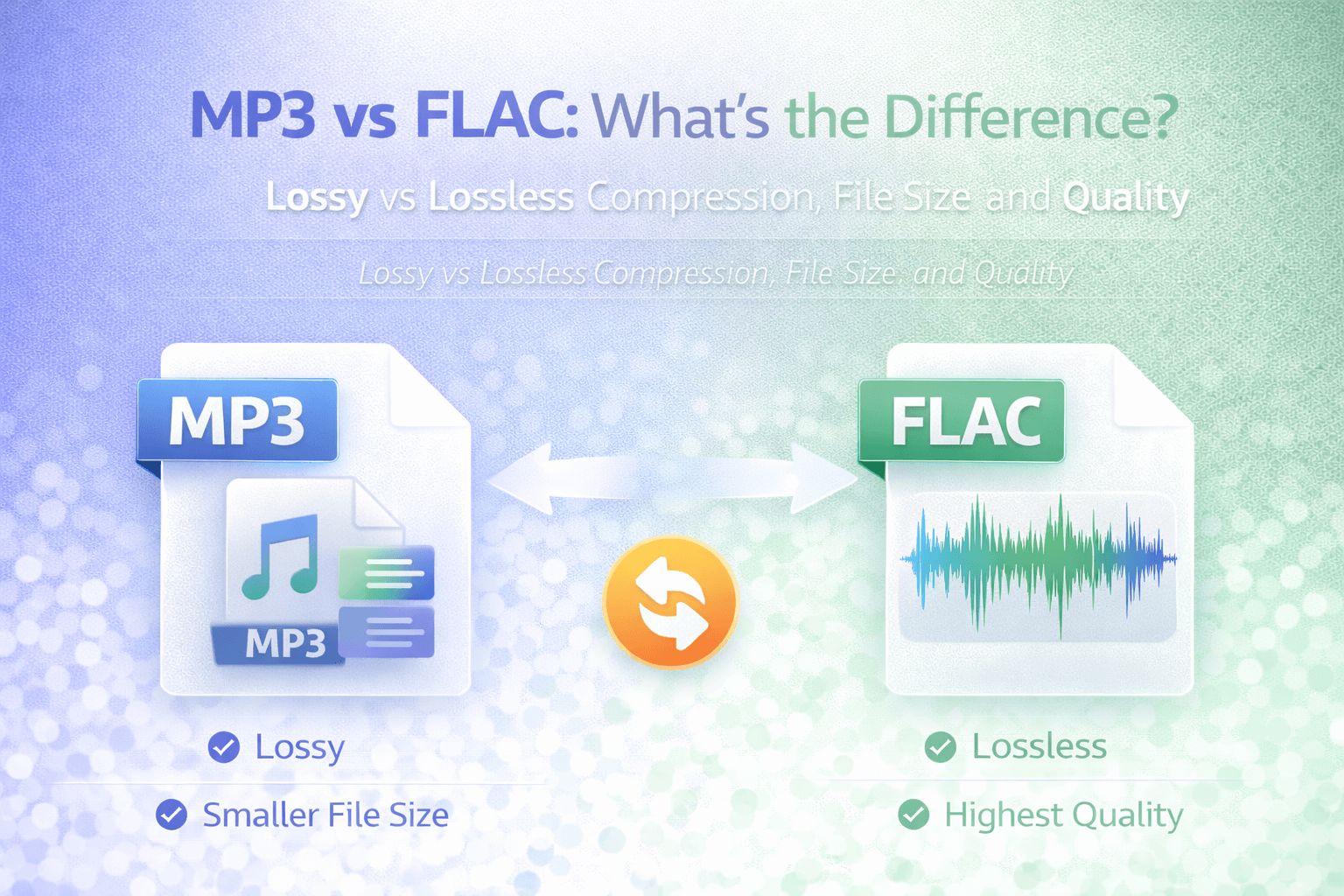
When comparing digital audio formats, MP3 and FLAC often represent two opposite approaches to compression. MP3 is widely known for its compact size and universal compatibility. FLAC, on the other hand, is associated with high-quality, lossless audio.
Understanding the difference between MP3 and FLAC requires understanding how audio compression works. While both formats reduce file size compared to raw recordings, they do so in fundamentally different ways.
MP3 uses lossy compression, which permanently removes parts of the audio signal to reduce file size. FLAC uses lossless compression, which reduces file size without discarding audio information. These differences affect file size, sound quality, storage requirements, and practical use cases.
What Is MP3?
MP3 stands for MPEG-1 Audio Layer III. It was designed to significantly reduce audio file size while maintaining acceptable listening quality.
MP3 achieves compression by analyzing audio and removing frequencies that are less perceptible to human hearing. This process reduces file size dramatically, making MP3 ideal for music distribution, streaming, and portable devices.
Because MP3 discards some audio data, it is considered a lossy format. Once audio information is removed during compression, it cannot be restored.
Despite this limitation, MP3 remains one of the most widely supported audio formats across devices and platforms.
What Is FLAC?
FLAC stands for Free Lossless Audio Codec. It was designed to compress audio without sacrificing quality.
Unlike MP3, FLAC uses lossless compression. This means the original audio data can be reconstructed perfectly when the file is played back. No audio information is permanently removed during compression.
FLAC files are smaller than uncompressed WAV files but larger than MP3 files. They offer a balance between storage efficiency and full audio fidelity.
Because of this, FLAC is often used by audiophiles, music collectors, and professionals who want to preserve original sound quality while reducing storage compared to raw audio formats.
Lossy vs Lossless Compression
The most important difference between MP3 and FLAC lies in the type of compression used.
Lossy compression permanently removes parts of the audio signal. The goal is to reduce file size while maintaining perceived sound quality. This is how MP3 works.
Lossless compression reduces file size without discarding data. When decompressed, the audio is identical to the original source. This is how FLAC works.
In practical terms, FLAC preserves every detail of the original recording, while MP3 sacrifices some information in exchange for much smaller files.
File Size Comparison
File size differences between MP3 and FLAC are significant.
An MP3 file is typically much smaller than a FLAC file containing the same recording. This makes MP3 convenient for storage, streaming, and sharing.
FLAC files are larger because they retain full audio detail. While FLAC compression reduces file size compared to uncompressed WAV, it does not achieve the same level of reduction as MP3.
If storage space and bandwidth are priorities, MP3 is often more practical. If maximum audio fidelity is important, FLAC may be preferred.
Audio Quality Differences
Whether FLAC sounds better than MP3 depends on context.
Because FLAC preserves all original audio data, it offers the highest possible quality relative to the source file.
MP3 removes certain audio components during compression. At high bitrates, many listeners may not notice a difference. At lower bitrates, compression artifacts can become audible.
In professional audio environments or high-end playback systems, FLAC's lossless nature may be noticeable. In casual listening scenarios, especially on standard headphones or speakers, the difference may be less apparent.
Compatibility and Playback
MP3 enjoys nearly universal compatibility. It plays on virtually all smartphones, computers, car systems, and streaming platforms.
FLAC support has improved significantly in recent years, but not all devices and services support it natively. Some platforms may require conversion to MP3 or another supported format before playback.
For broad distribution and ease of sharing, MP3 remains the safer choice.
When Should You Use MP3?
MP3 is ideal for streaming, sharing, and storing large music libraries. It is efficient and widely supported.
If you are uploading audio to a website, sending files via email, or optimizing for mobile playback, MP3 provides a practical balance between quality and file size.
On FlipMyFiles, you can use FLAC to MP3 conversion if compatibility or storage efficiency is required.
When Should You Use FLAC?
FLAC is suitable when you want to preserve full audio quality without using uncompressed formats like WAV.
It is often used for archival storage, high-quality music collections, and professional workflows where maintaining original fidelity is important.
If you need MP3 to FLAC conversion for compatibility or library management, please remember that converting does not restore lost data. It simply changes the container format.
Conclusion
MP3 and FLAC represent two different philosophies of audio compression.
MP3 prioritizes smaller file size and universal compatibility through lossy compression. FLAC prioritizes preserving original audio quality through lossless compression.
Choosing between MP3 and FLAC depends on your priorities. For everyday listening, streaming, and sharing, MP3 is often sufficient. For preserving full audio detail and long-term storage, FLAC may be the preferred option.
Understanding the difference between lossy and lossless compression clarifies why file sizes differ and why conversion between formats is common in digital audio workflows.